

Password managers are software tools designed to securely generate, store, and autofill login credentials for various online accounts. They help users maintain strong, unique passwords without the need to remember each one, relying instead on a single master password or biometric authentication to access an encrypted vault.
These tools significantly reduce risks like password reuse and weak credentials, which are common vulnerabilities in cyberattacks.
Below are the Top 8 Password Managers for Business Security in 2026:
- LastPass Business
- 1Password Business
- Dashlane Business
- Bitwarden Enterprise
- Keeper Business
- Zoho Vault
- NordPass Business
- Passbolt Business
1. LastPass Business
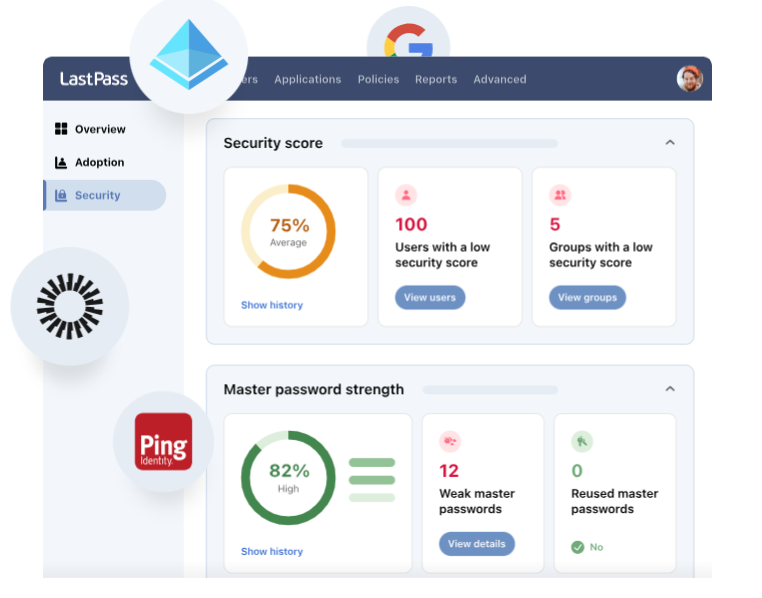
LastPass is a password management service that stores links to websites, auto-generates and encrypts secure passwords and passkeys, securely stores notes, and auto-fills UID and Password in Chrome, Safari, MS Edge, and Firefox browsers and on most mobile devices. It does not auto-fill in Opera.
It also offers a convenient and efficient experience for businesses of all sizes and technical requirements, reducing password fatigue and closing security gaps with IdPs like MS Entra ID and Okta.
With over 100 customizable policies, flexible privileges, detailed reporting, and multifactor and passwordless authentication, LastPass enables organizations to standardize and strengthen password management across the company, consolidating their tech stack and ensuring security without sacrificing ease of use.
2. 1Password Business
1Password Enterprise Password Management simplifies workforce security by making the secure thing the easy thing to do. It enables users to autofill passwords and payment methods, sync securely across devices, and share credentials with ease.
1Password connects seamlessly with the tools you already trust. You can unlock 1Password using your SSO provider, automatically provision employees with Azure, Okta, and more, and stream security events to your SIEM tool for custom dashboards and visualization.
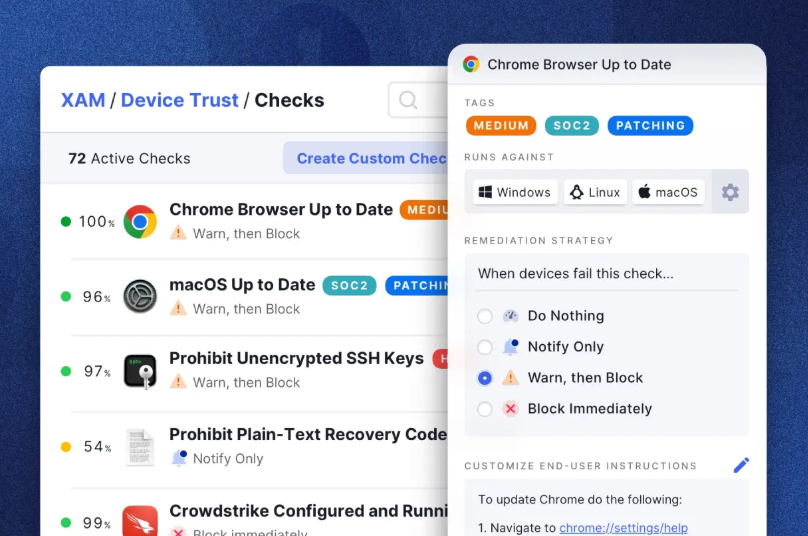
For IT teams, 1Password provides the visibility they need through a unified dashboard that offers a comprehensive overview of your security posture. Teams can take action on potential data breaches, check password strength, and audit team usage effectively.
1Password also makes it easy to create, manage, and enforce security policies that govern how and where employees use 1Password at scale. It integrates smoothly into your existing security stack, offering granular controls, actionable insights, and detailed reporting on sign-ins and secure password sharing.
3. Dashlane Business
Dashlane Business offers organizations a powerful yet easy-to-use platform for managing passwords. It is built on Dashlane’s patented security architecture, which uses a master password known only to the user and never stored or transmitted by Dashlane. All critical data is protected through local encryption.
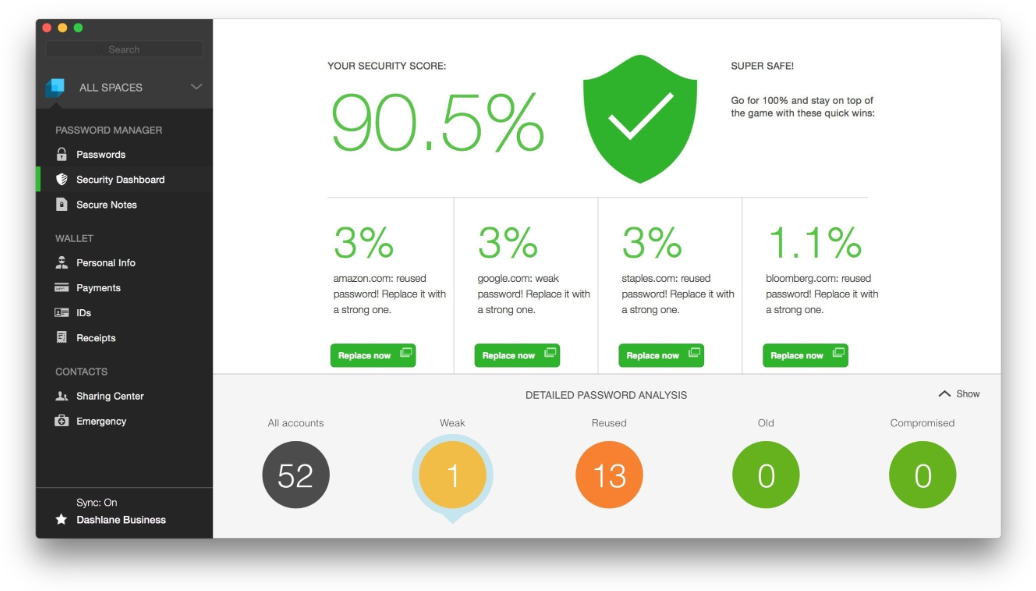
It includes a dynamic admin console that gives IT teams real-time visibility and control over an organization’s password health.
4. Bitwarden Enterprise
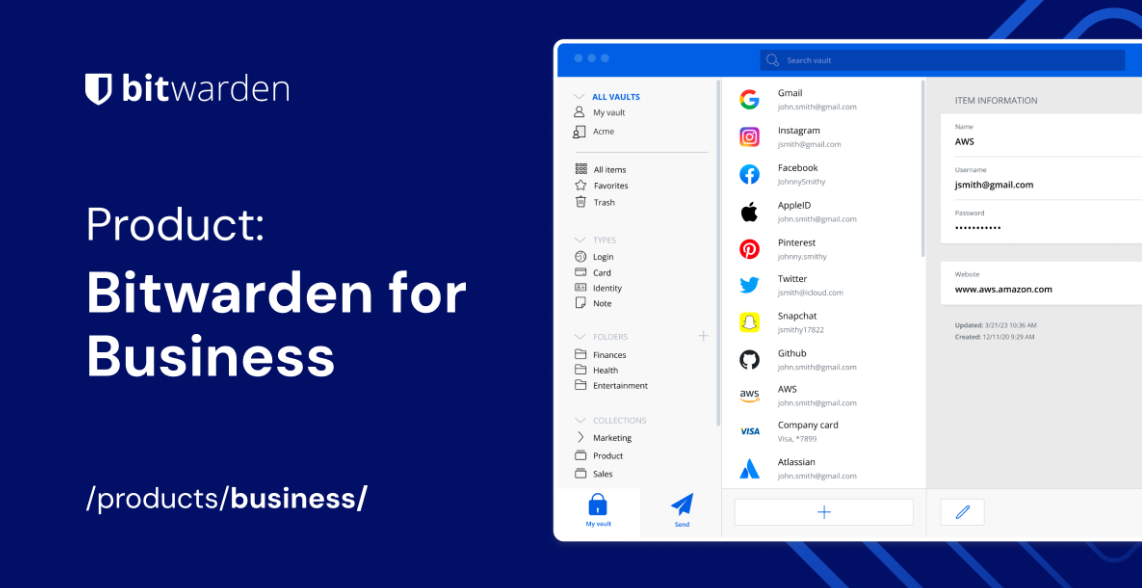
Bitwarden is a password manager that generates, stores, and secures important digital assets in an end-to-end encrypted vault. Users can access their data from anywhere, on any device (desktop, laptop, mobile devices) with secure cloud syncing.
This tool fully encrypts all user data before it ever leaves the user’s device; only the user has access to it. Even the Bitwarden team cannot unlock a user’s protected data. Bitwarden seals sensitive information with end-to-end AES-256 bit encryption, salted hashing, and PBKDF2 SHA-256.
5. Keeper Business
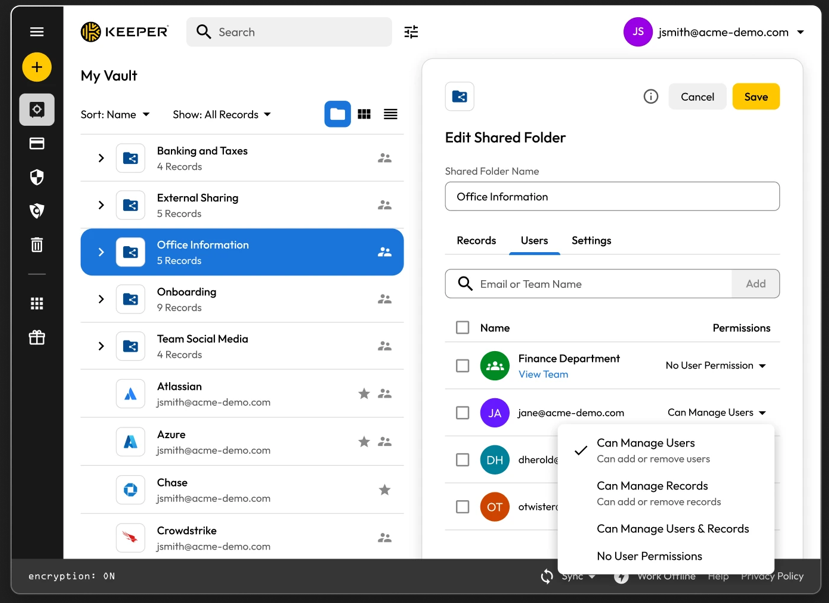
Keeper is a password manager that securely stores, manages, and generates passwords. It uses encryption to protect passwords and other sensitive data, like credit card information and personal notes.
It offers features such as password generation, auto-fill, two-factor authentication, and secure sharing, across multiple platforms.
6. Zoho Vault
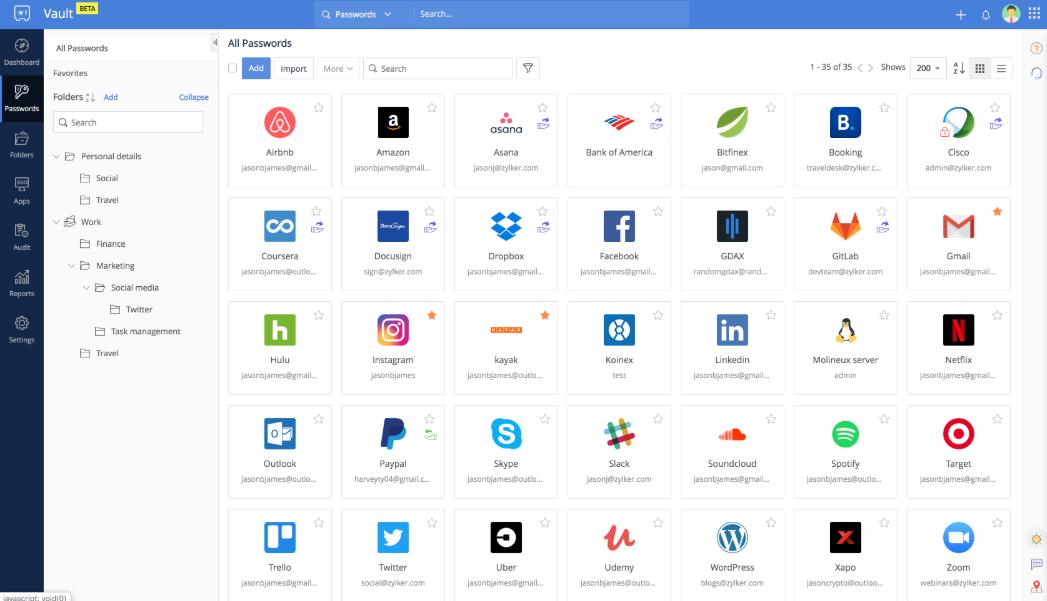
Zoho Vault is a robust password manager designed to help you securely store, autofill, generate, share, and manage sensitive information all from a single, encrypted vault. Access your confidential data anytime, anywhere, whether you’re using an Android, iOS, Apple Watch, MacBook, or Windows.
This solution is built entirely on the cloud which integrates with your existing apps for a smooth, secure experience. IT teams gain centralized visibility and control, preventing data breaches, ensuring compliance, and implementing zero-trust security effortlessly.
7. NordPass Business
NordPass is an intuitive and easy-to-use password manager for businesses and individuals. Designed with the user in mind, built with Zero-knowledge architecture, NordPass allows you to securely access and autofill your passwords, credit card and other sensitive data anywhere, at any time.
Key Features & Benefits:
- XChaCha20 encryption (modern alternative to AES)
- Secure credential sharing within teams
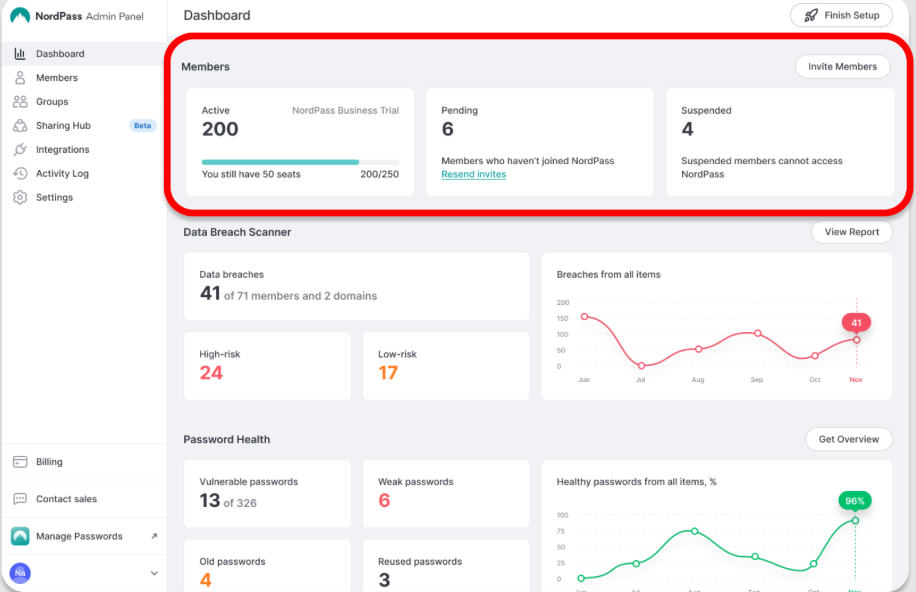
- Admin dashboard and access management
- Cross-device synchronization
8. Passbolt Business
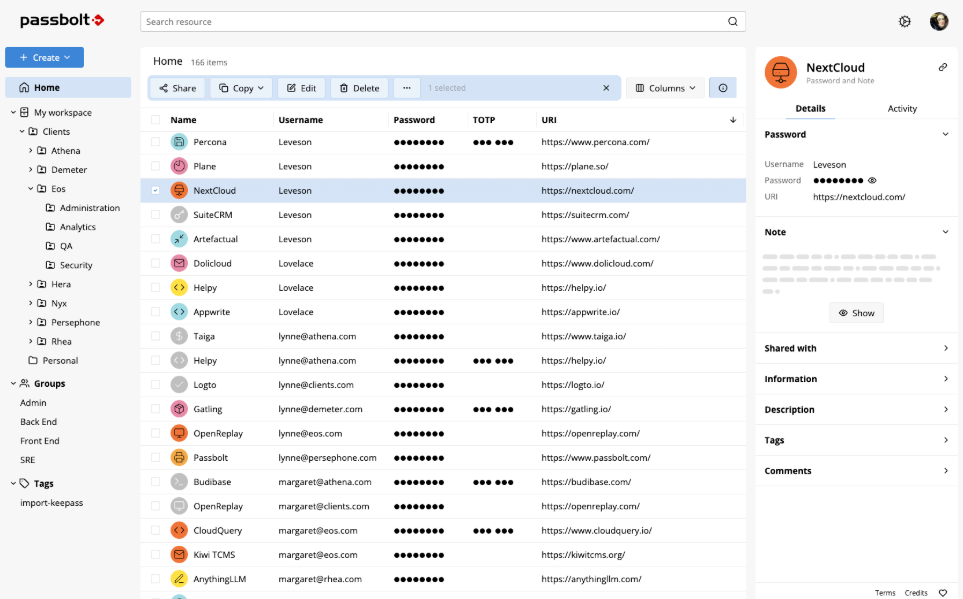
Passbolt is the first open source password manager tailored for agile and devops teams first, yet usable by everyone. It is designed to help centralize, organize and share credentials securely. It is built with the vision to re-unite control, productivity and modern security in an single, elegant and collaborative application that is aligned with technical teams preferences and work ethics.
Passbolt is security-first, privacy-centric, made in Europe and highly versatile: it can be installed on-prem, used in our secure cloud, or deployed as a cloud-native application.
Conclusion
Choosing the best password manager comes down to personal preferences. All the tools we’ve reviewed offer the essentials – secure storage, autofill, password generation, and multi-device syncing.
What makes the difference is how easy they are to use and which extras matter most to you.