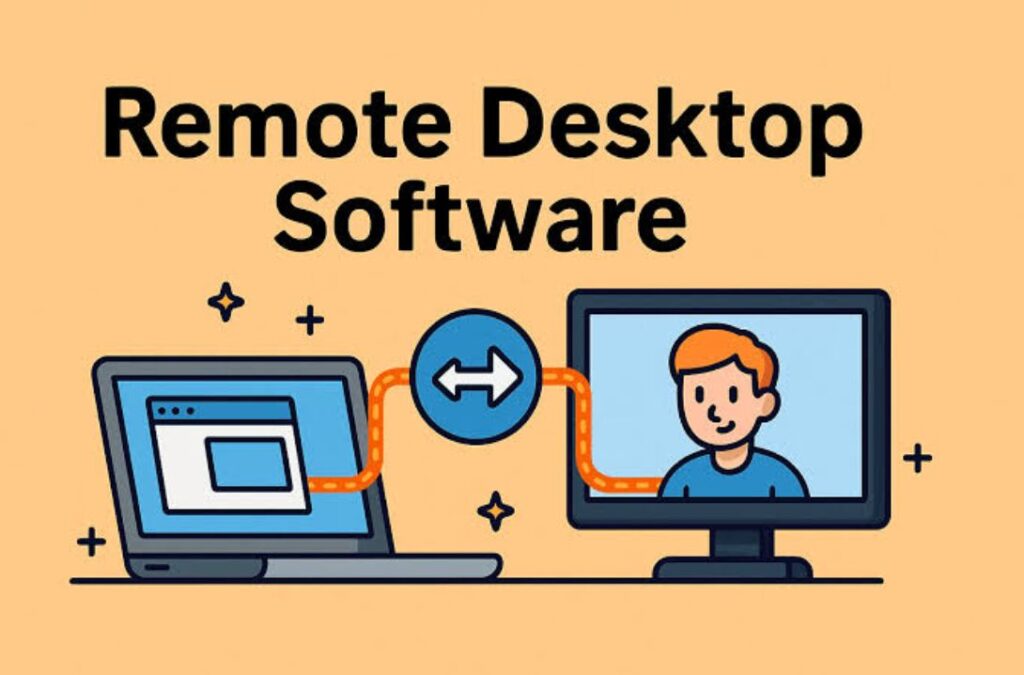

As organizations embrace hybrid work and distributed IT operations, remote access has become a critical part of daily business. IT teams need reliable tools to troubleshoot systems, support users, transfer files, and manage devices without being physically present.
Remote desktop software makes this possible by allowing users to securely connect to and control devices from another location. Whether it’s resolving technical issues, providing customer support, or accessing business systems remotely, these tools help improve efficiency while reducing downtime.
This guide highlights eight leading remote desktop software solutions that help IT teams deliver fast, secure, and effective remote support.
What Is Remote Desktop Software?
Remote desktop software allows a user to access and control a computer or mobile device from another location over a network or internet connection.
By eliminating the need for on-site visits, remote desktop solutions help organizations reduce support costs and improve response times. The right platform can significantly simplify IT operations while maintaining strong security standards.
- TeamViewer
- AnyDesk
- Microsoft Remote Desktop (RDP)
- Chrome Remote Desktop
- Splashtop
- ConnectWise Control (Formerly ScreenConnect)
- Zoho Assist
- Remote Desktop Manager (Devolutions)
1. TeamViewer
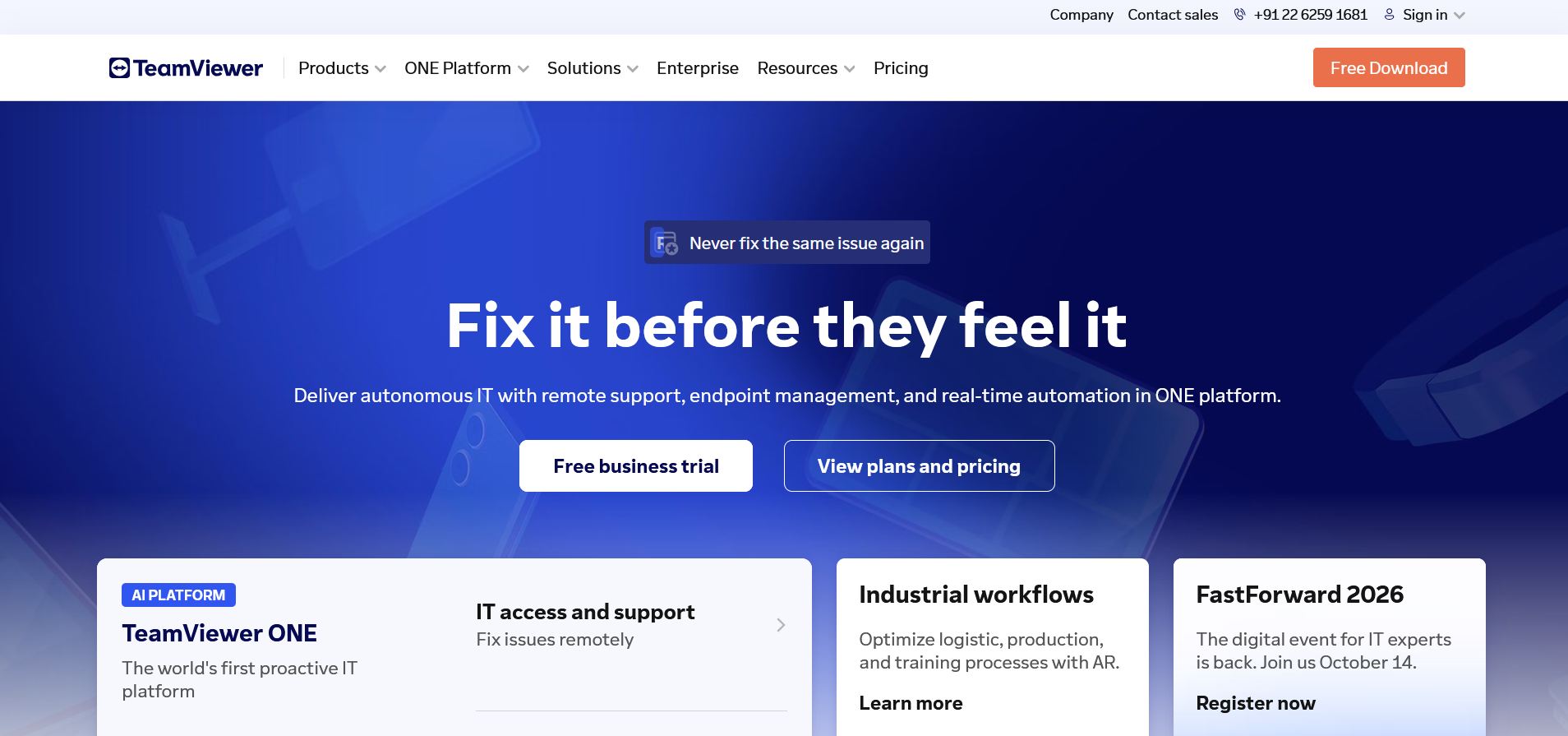
TeamViewer is one of the most widely recognized remote desktop solutions. It enables users to securely access and control computers, smartphones, and tablets from virtually anywhere.
Available on Windows, macOS, Linux, Android, and iOS, TeamViewer supports remote troubleshooting, file sharing, device management, online meetings, and collaboration.
2. AnyDesk
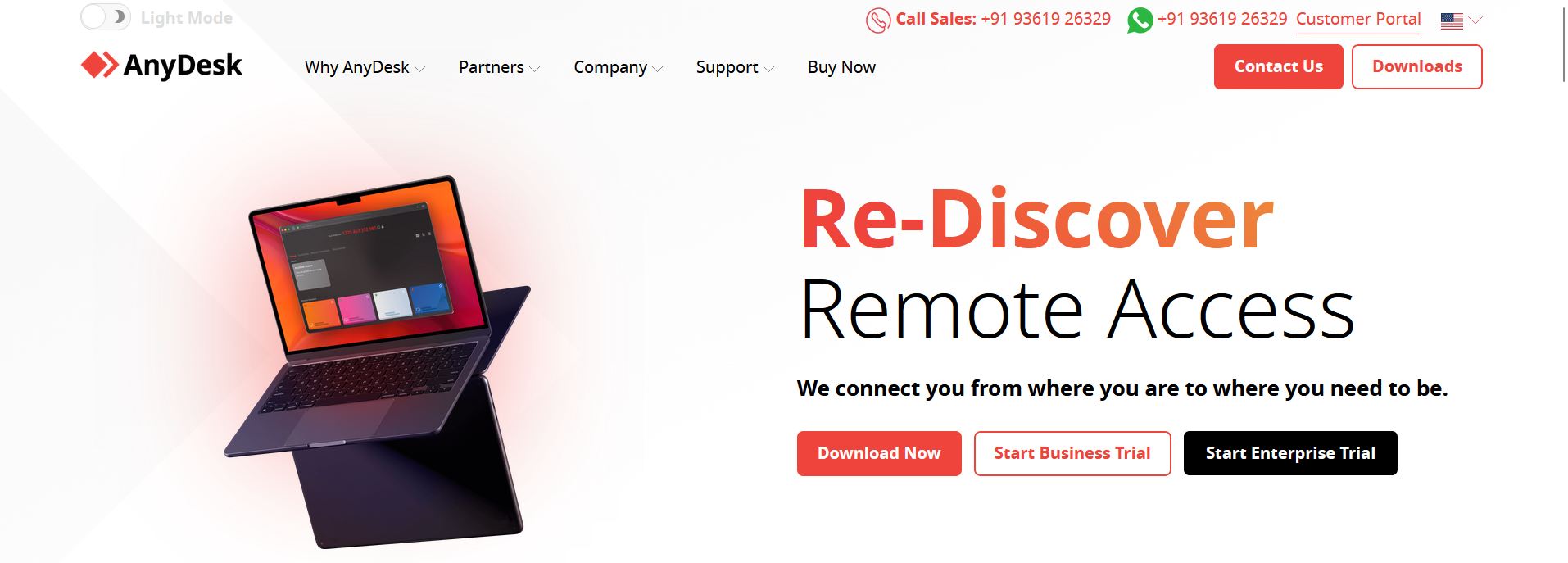
AnyDesk provides remote access to desktop and mobile devices while offering a simple user experience. IT teams can remotely manage systems, transfer files, share clipboards, and record support sessions.
The platform supports Windows, macOS, Android, and iOS devices, making it suitable for organizations with diverse device environments.
3. Microsoft Remote Desktop (RDP)
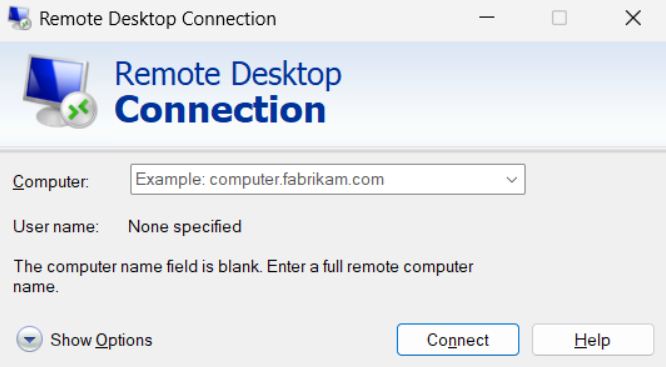
Microsoft Remote Desktop Protocol (RDP) allows users to connect to Windows computers through a graphical interface over a network.
RDP remains one of the most commonly used remote access technologies, particularly within Windows-based environments. It enables administrators and users to work on remote systems as though they were physically present.
Organizations using RDP should carefully manage security configurations because exposed internet-facing RDP ports can create security risks. Proper access controls and secure connectivity methods are important when deploying RDP solutions.
4. Chrome Remote Desktop
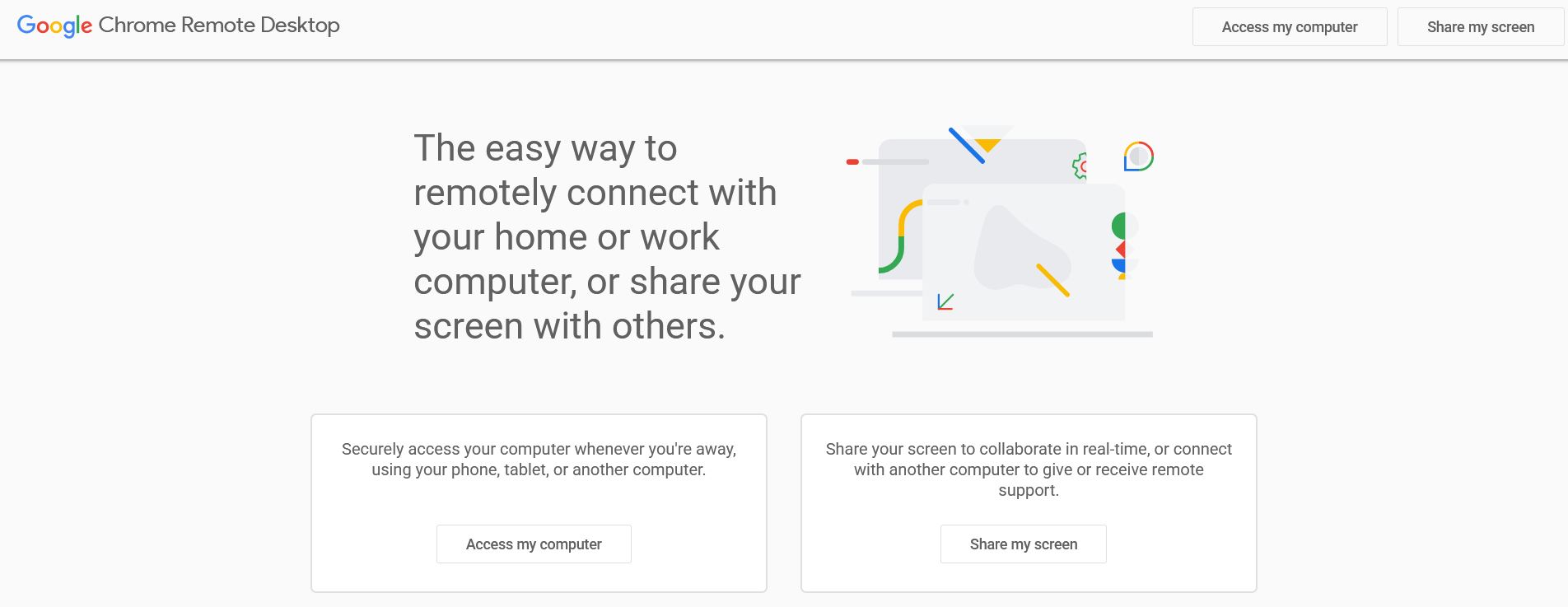
Chrome Remote Desktop is a free solution that allows users to access computers remotely through a secure internet connection.
It is particularly useful for accessing personal or work computers from remote locations or for providing assistance to colleagues, friends, or family members when technical help is needed.
5. Splashtop
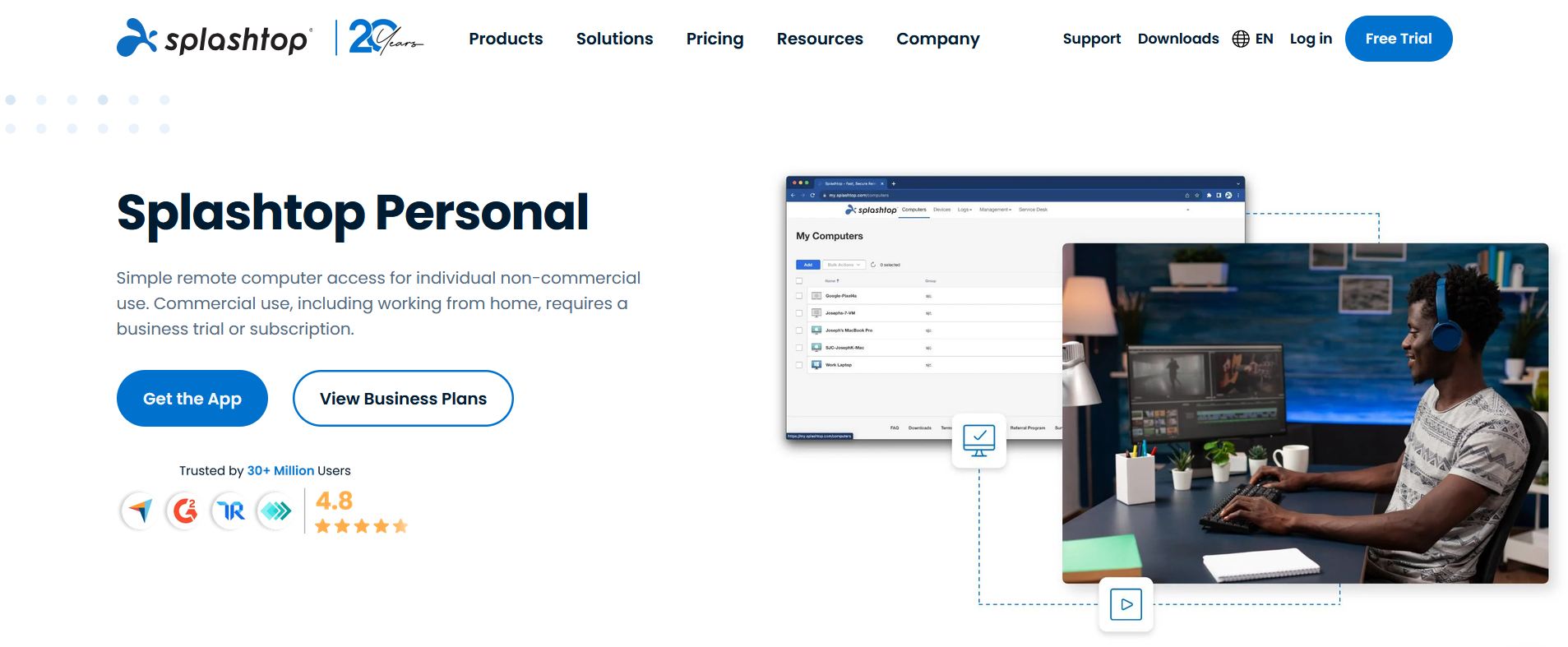
Splashtop is a remote access solution designed for businesses, IT teams, and individual users. Known for its ease of use, the platform combines remote access functionality with strong security controls.
Its simple setup process and intuitive interface make it especially appealing to users with limited technical experience.
6. ConnectWise Control (Formerly ScreenConnect)
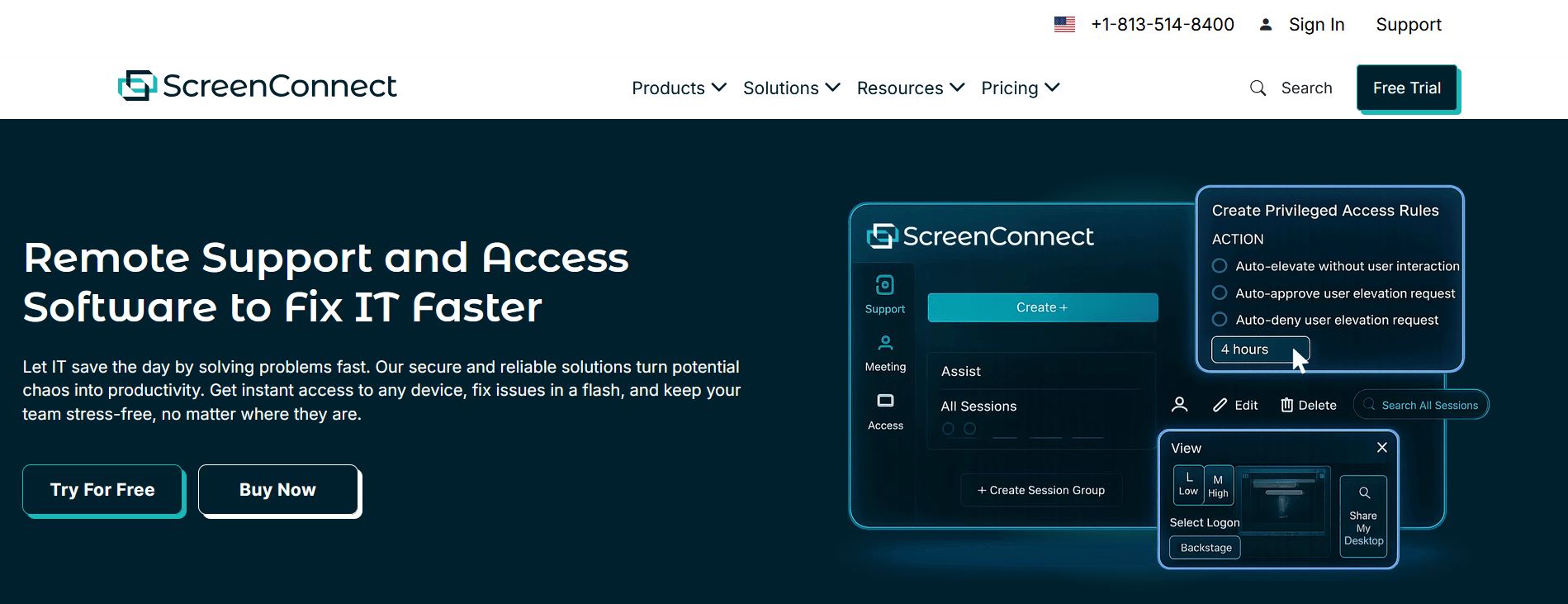
ConnectWise Control is a remote support and remote access platform designed to help IT professionals provide real-time assistance and troubleshoot issues efficiently.
The solution is built to support organizations of various sizes and places a strong emphasis on security, scalability, and operational efficiency.
7. Zoho Assist
Zoho Assist is a cloud-based remote desktop solution that enables secure remote support without requiring complex setup procedures.
Unlike many traditional remote desktop tools, Zoho Assist does not require users to manage IP addresses, credentials, or extensive network configurations before initiating support sessions.
8. Remote Desktop Manager (Devolutions)
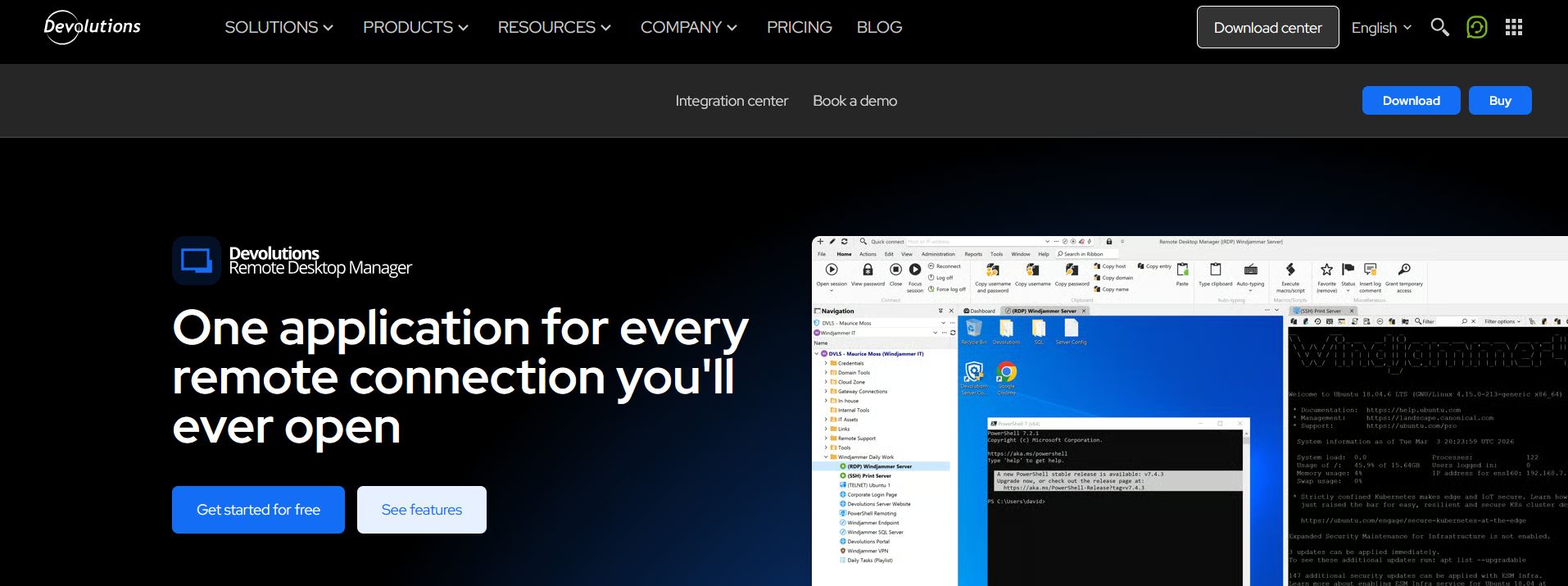
Remote Desktop Manager by Devolutions helps IT teams centralize remote connections, credentials, and access management within a single platform.
It supports more than 200 tools and technologies, allowing organizations to manage a wide range of remote access environments from one interface.
Conclusion
Remote desktop software has become an essential tool for modern IT operations. Whether supporting remote employees, managing infrastructure, or assisting customers, these platforms help teams provide reliable support without the limitations of physical location.
TeamViewer, AnyDesk, Microsoft Remote Desktop, Chrome Remote Desktop, Splashtop, ConnectWise Control, Zoho Assist, and Remote Desktop Manager each offer unique strengths for different use cases. By evaluating factors such as security, scalability, ease of use, and device compatibility, organizations can choose the remote access solution that best supports their IT strategy and productivity goals.