
In modern computing environments, diversified database platforms are the norm. Yet, the demands of effectively using enterprise data resources have made it practically impossible for organizations to standardize on a single database management solution. Multi-platform environments continue to challenge those responsible for developing and maintaining corporate databases, including database administrators (DBAs) and developers.
Below are the top 9 SQL editors and db clients for DBA(s):
- DBeaver
- MySQL Workbench
- SQL Server Management Studio (SSMS)
- DataGrip
- pgAdmin
- HeidiSQL
- Navicat Premium
- Oracle SQL Developer
- DbVisualizer
1. DBeaver
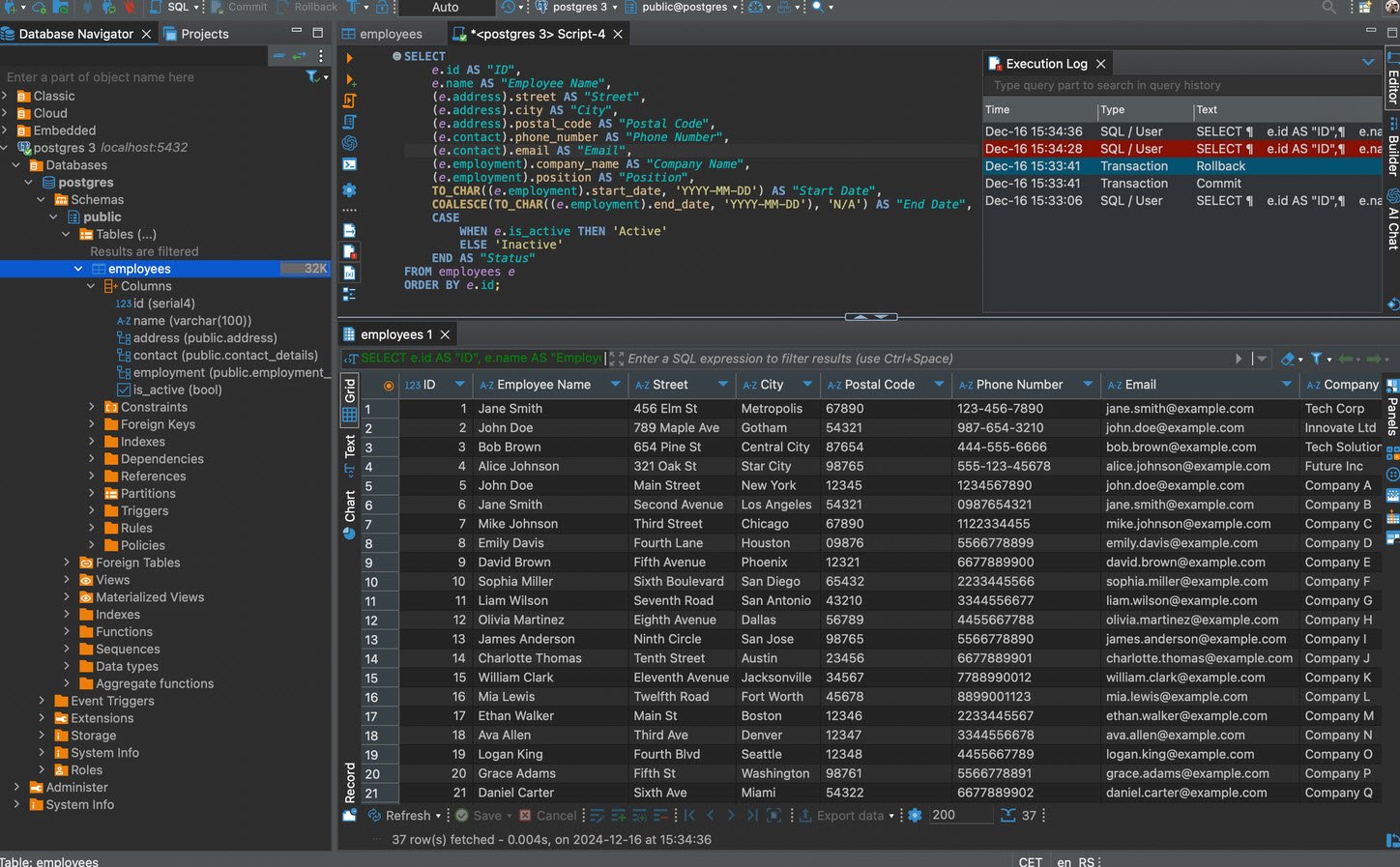
DBeaver is a cross-platform, open-source database management tool and IDE that supports a wide range of databases, including MariaDB, PostgreSQL and MySQL. Primarily written in Java, DBeaver is ideal if you need various SQL statements for initiating backups, ad-hoc querying or troubleshooting.
With DBeaver, you can double-click on a table and your data will be just there. You can also click on the headers of columns to sort any data and can filter the box above results to specify which columns you want to filter and how you want to filter them.
2. MySQL Workbench
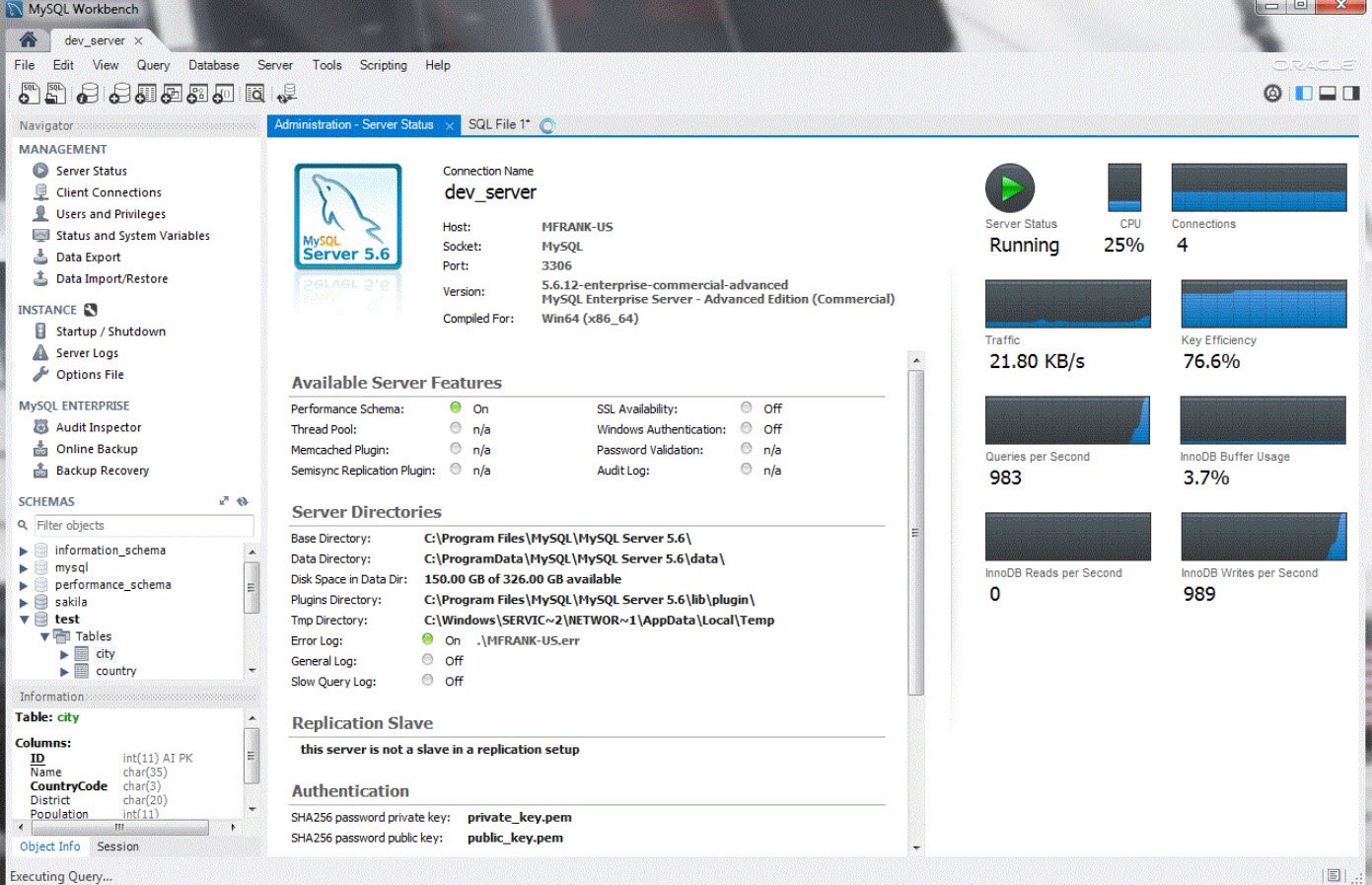
MySQL Workbench is a unified visual tool for database architects, developers, and DBAs. It provides data modeling, SQL development, and comprehensive administration tools for server configuration, user administration, backup, and much more.
MySQL Workbench is available on Windows, Linux and Mac OS X.
It also enables a DBA, developer, or data architect to visually design, model, generate, and manage databases. It includes everything a data modeler needs for creating complex ER models, forward and reverse engineering, and also delivers key features for performing difficult change management and documentation tasks that normally require much time and effort.
3. SQL Server Management Studio (SSMS)
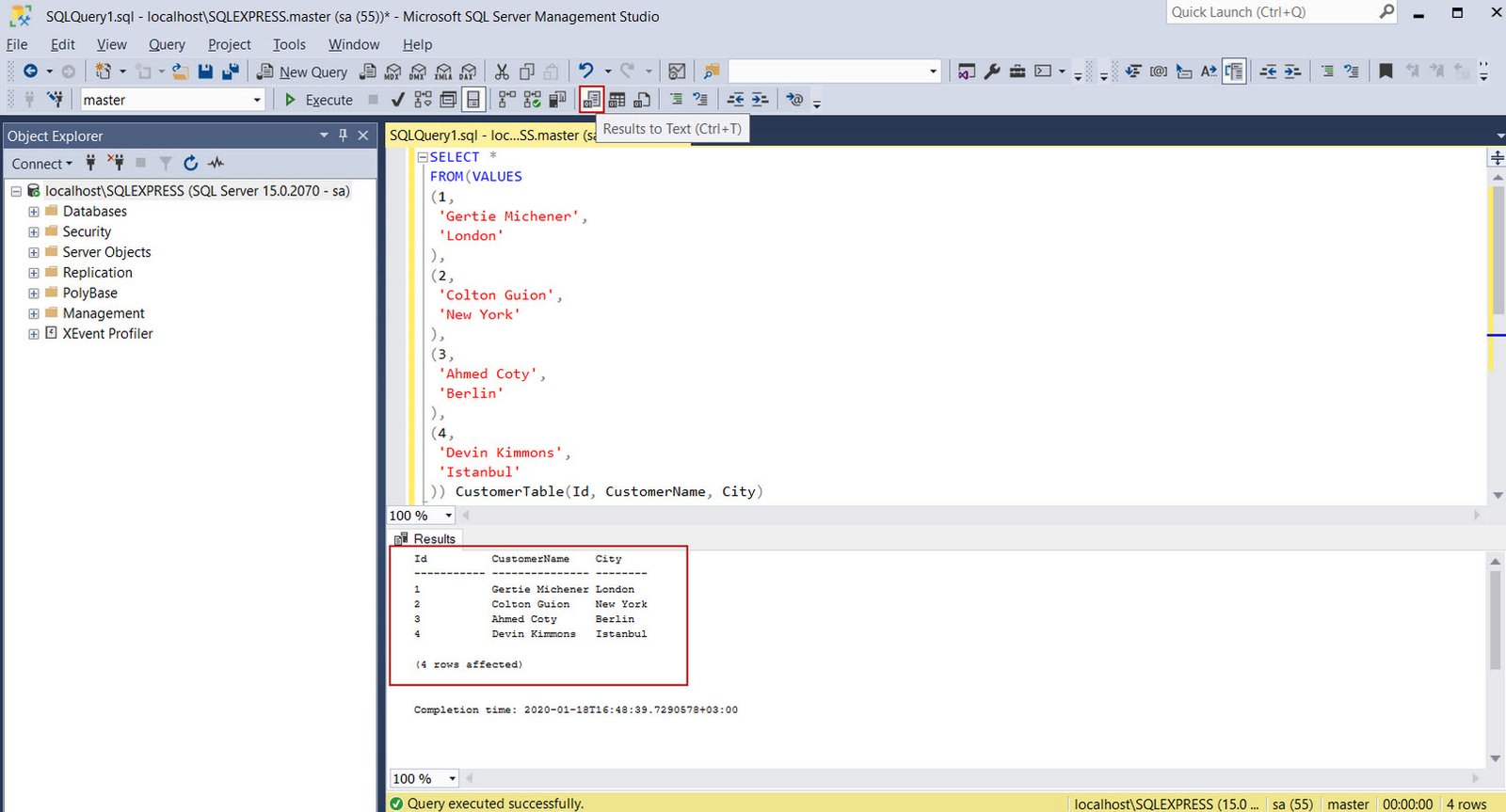
SQL Server Management Studio (SSMS) is a free Windows application to configure, manage, and administer Microsoft SQL Server (MSSQL). It includes an Object Explorer to view and interact with databases and other elements, a Query window to write and execute Transact-SQL queries, and script editors for developers and administrators.
SSMS provides a single comprehensive utility that combines a broad group of graphical tools with many rich script editors to provide access to SQL Server for developers and database administrators of all skill levels.
4. DataGrip
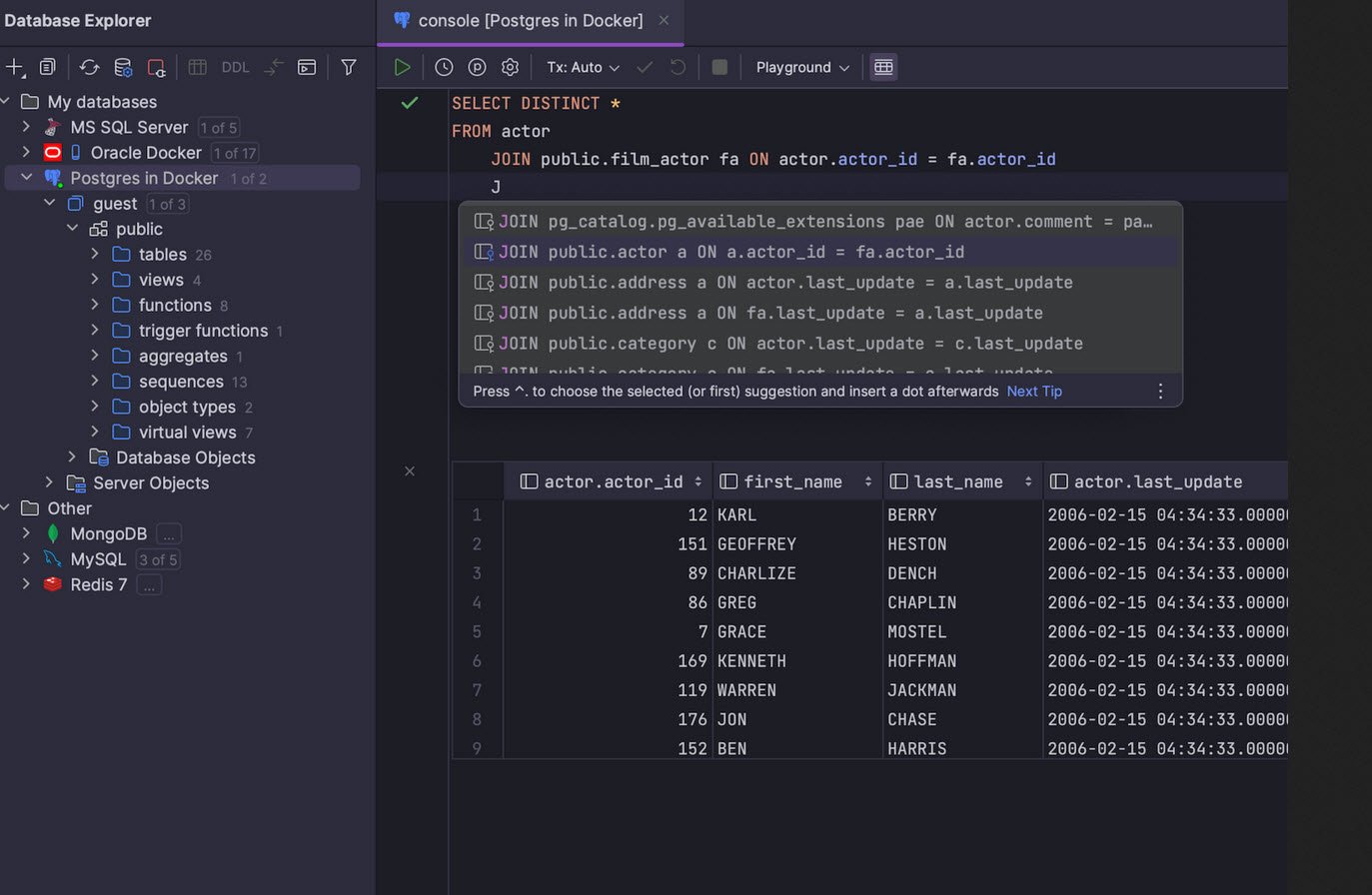
DataGrip is a database management environment designed for developers to efficiently query, create, and manage databases. It supports MySQL, PostgreSQL, Microsoft SQL Server, Oracle, and more.
DataGrip also provides integration with version control systems and allows for easy management of multiple connections to different databases. It also included features like ER Diagrams, Data export/import, and it’s available for Windows, Linux and macOS.
5. pgAdmin
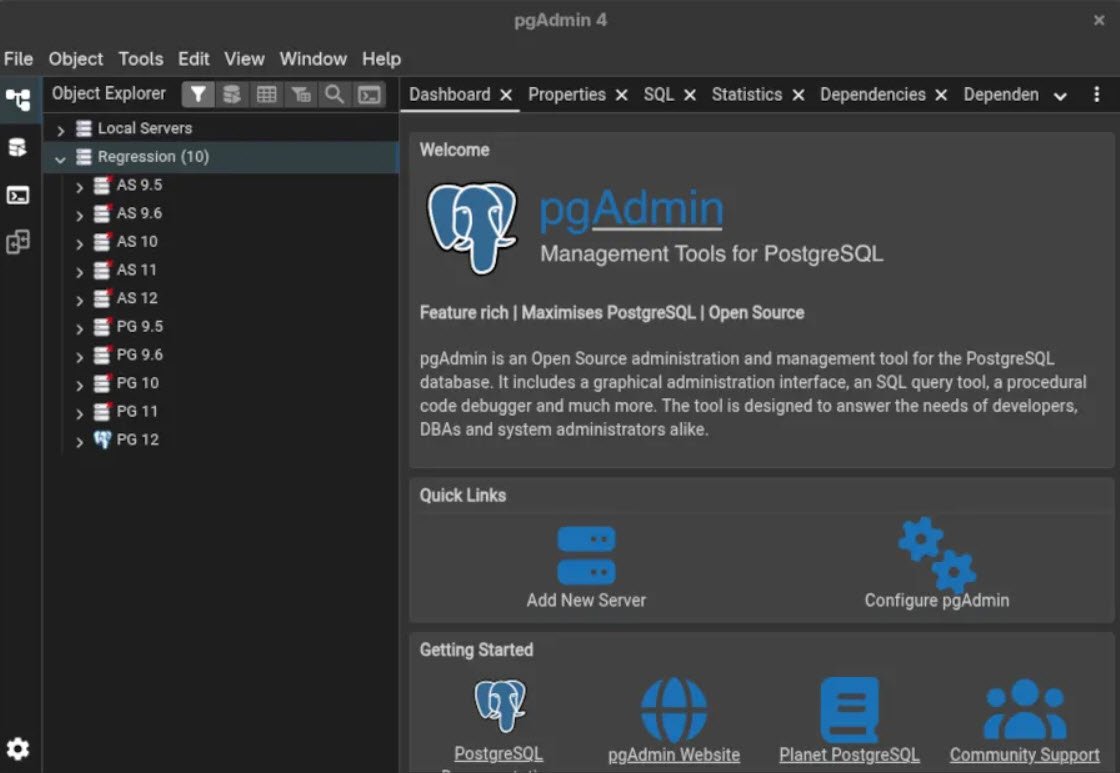
pgAdmin is the leading open-source management tool for PostgreSQL, one of the world’s most advanced open-source databases. pgAdmin 4 is designed to meet the needs of both novice and experienced Postgres users alike, providing a powerful graphical interface that simplifies the creation, maintenance, and use of database objects.
pgAdmin is a free software project released under the PostgreSQL/Artistic license. A desktop runtime written in C++ with Qt allows it to run standalone for individual users, or the web application code may be deployed directly on a web server for use by one or more users through their web browser.
6. HeidiSQL
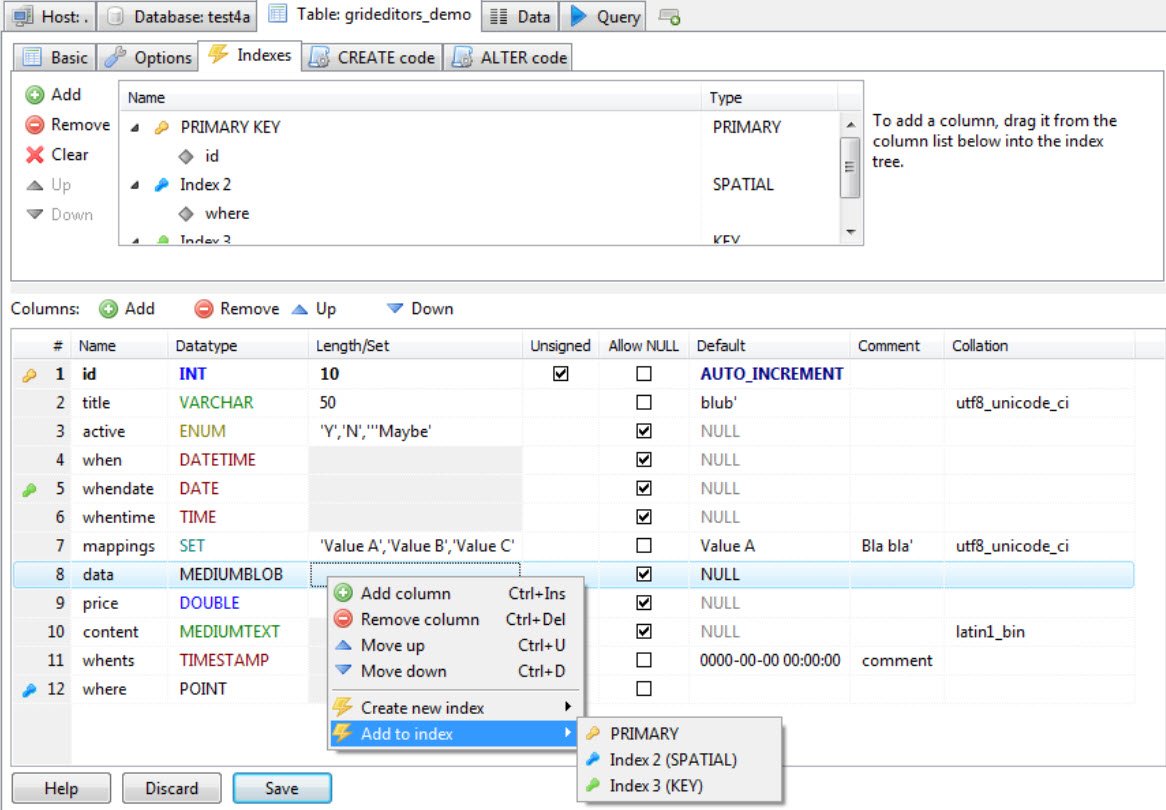
HeidiSQL is a useful and reliable tool designed for web developers. It lets you manage your database, enabling you to browse and edit data and create and edit tables, views, and databases.
You can also easily export and download structure and data to a backup, SQL file, or to other servers.
7. Navicat Premium
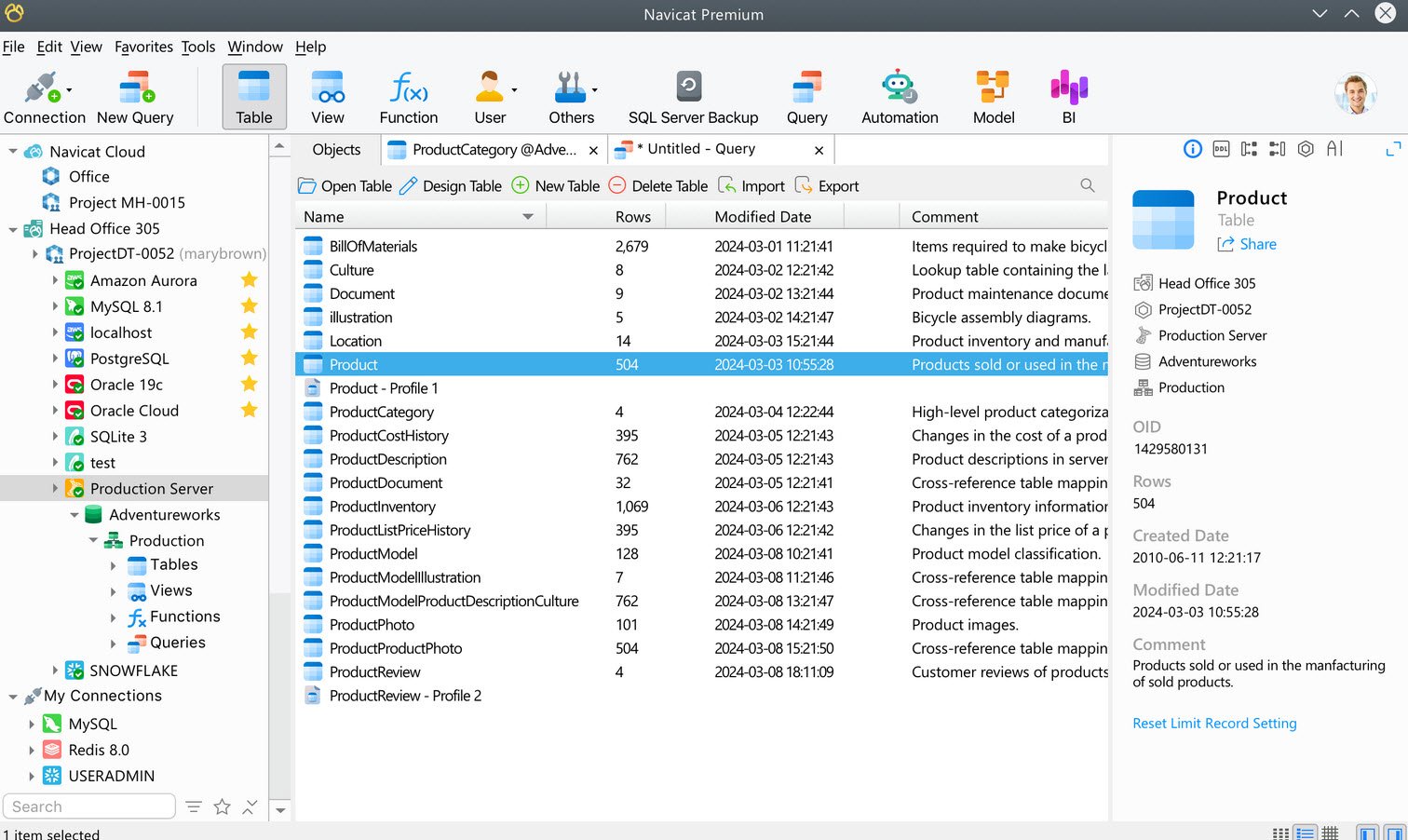
Navicat Premium is a database development tool that helps businesses of all sizes build, manage and maintain databases. Navicat Premium allows developers to migrate and synchronize data between different databases using policies.
With Navicat Premium, DBAs can create, update, and execute SQL queries in Query Builder, generate code, and find PL/SQL coding errors through component debugging. It offers a mobile application for iOS and support is enhanced with documentation and online measures. Features include data visualization, code snippets and completion, backup scheduling, virtual grouping, and schema analysis.
8. Oracle SQL Developer
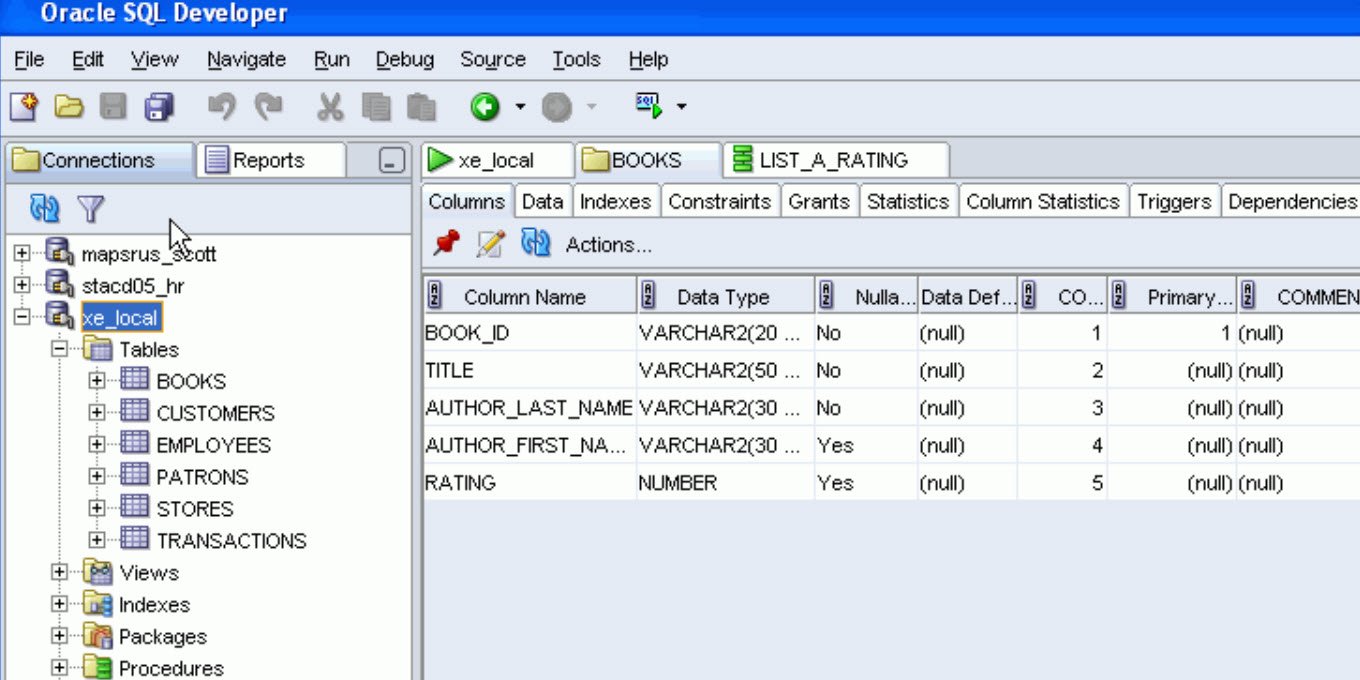
SQL Developer is an another free database management software offered by Oracle, one of the leading database management companies in the world.
The name SQL Developer refers to Structured Query Language, a language for making queries within databases. Users can easily connect SQL Developer to their cloud or non-cloud databases as well.
SQL Developer is designed to make database work more efficient for developers and administrators. It also gives them many options and opportunities for editing, organizing, and visualizing data.
9. DbVisualizer
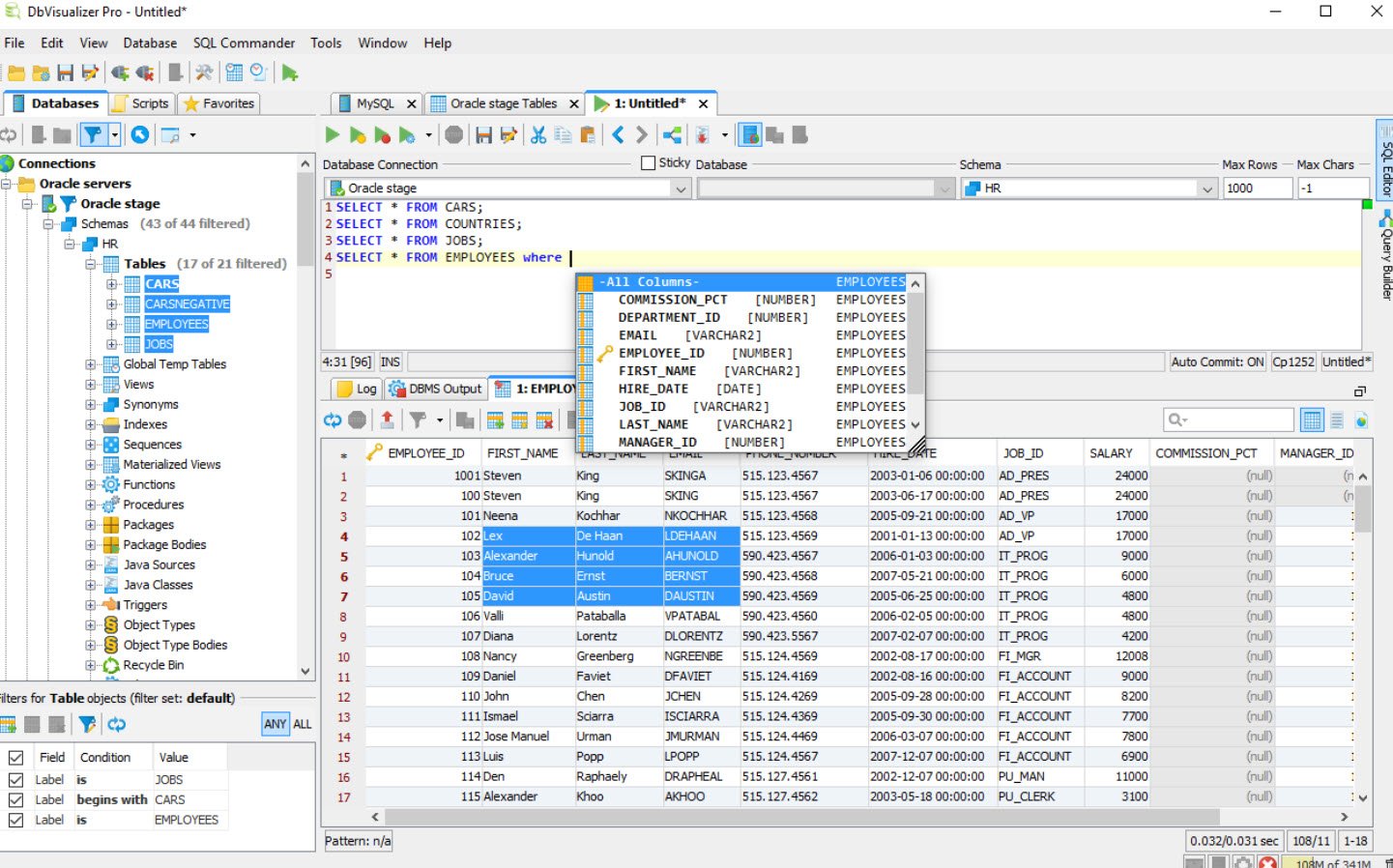
DbVisualizer is a database management solution that helps businesses monitor and analyze the performance of multiple databases through various operating systems including Windows, macOS and Linux. The platform lets employees configure settings to connect the platform with several databases via a unified portal.
DbVisualizer facilitates integration with several third-party database systems and JDBC drivers such as Derby, Exasol, H2, Greenplum, MariaDB, NuoDB, PostgreSQL, Oracle and more. The application is available on a perpetual license basis and support is extended via phone, email and other online measures.
Conclusion
The increasing popularity of MySQL means that everyone needs effective, convenient and affordable database tools to work with it. However, as a DBA, your goal shouldn’t be to access as many clients as possible, but to choose one that offers a wholesome solution.