
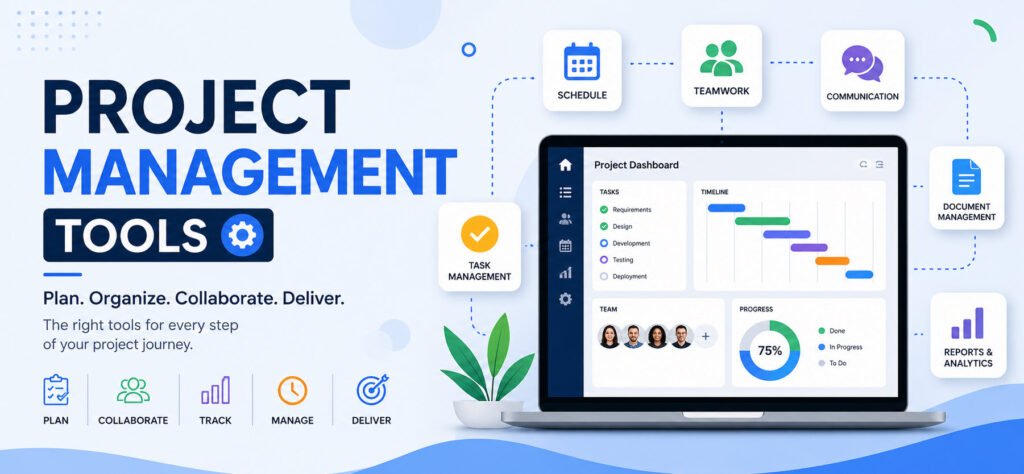

Project management software helps bring structure and clarity to your work. It allows you to track tasks, manage issues, assign responsibilities, and keep your team aligned with deadlines.
In simple terms, these tools help you manage projects efficiently from planning to execution.
Almost everything we do can be considered a project – whether it’s building a sandcastle, redesigning a website, or constructing a skyscraper. While small projects might only need a basic to-do list, complex projects require advanced tools to break work into manageable tasks, assign ownership, and ensure smooth execution.
Let’s take a look at the Top 10 Project Management Tools for better productivity:
- Asana
- Trello
- Monday.com
- ClickUp
- Wrike
- Smartsheet
- Notion
- Jira
- Basecamp
- Zoho Projects
1. Asana
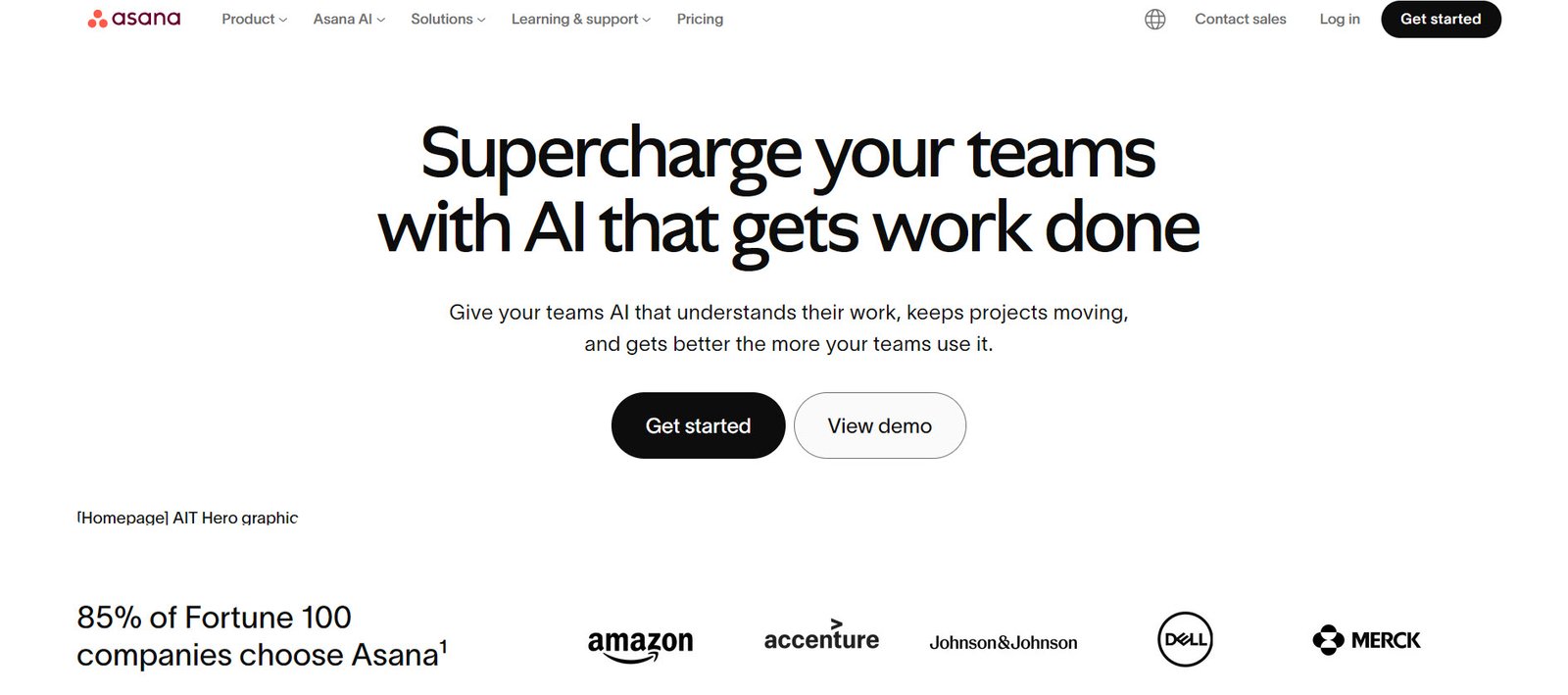
Asana is a powerful project management platform that helps teams organize, plan, and execute work efficiently. It replaces scattered emails and brings all tasks into a single, centralized workspace. Teams can track progress, collaborate, share files, and stay aligned on goals.
Widely used by companies like Deloitte, Airbnb, and Dropbox, Asana is trusted by millions of users across the globe.
2. Trello
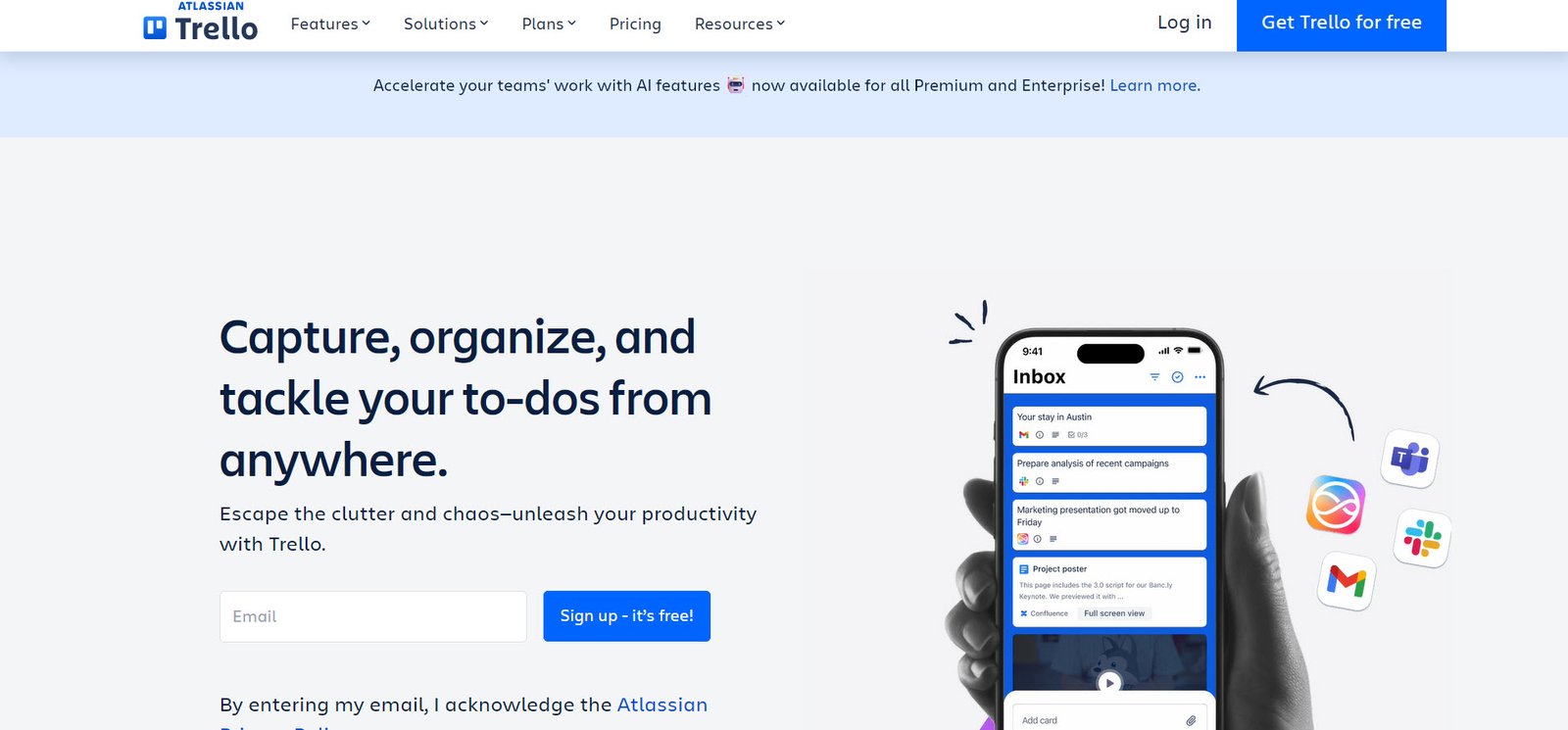
Trello is a simple, visual project management tool based on Kanban boards. It allows teams to organize tasks and workflows in a highly intuitive way. You can easily track progress, assign tasks, and collaborate with team members.
It integrates seamlessly with tools like Slack, Gmail, and Jira. Trello works equally well for small teams and large organizations, and its ready-to-use templates make project setup quick and easy.
3. Monday.com
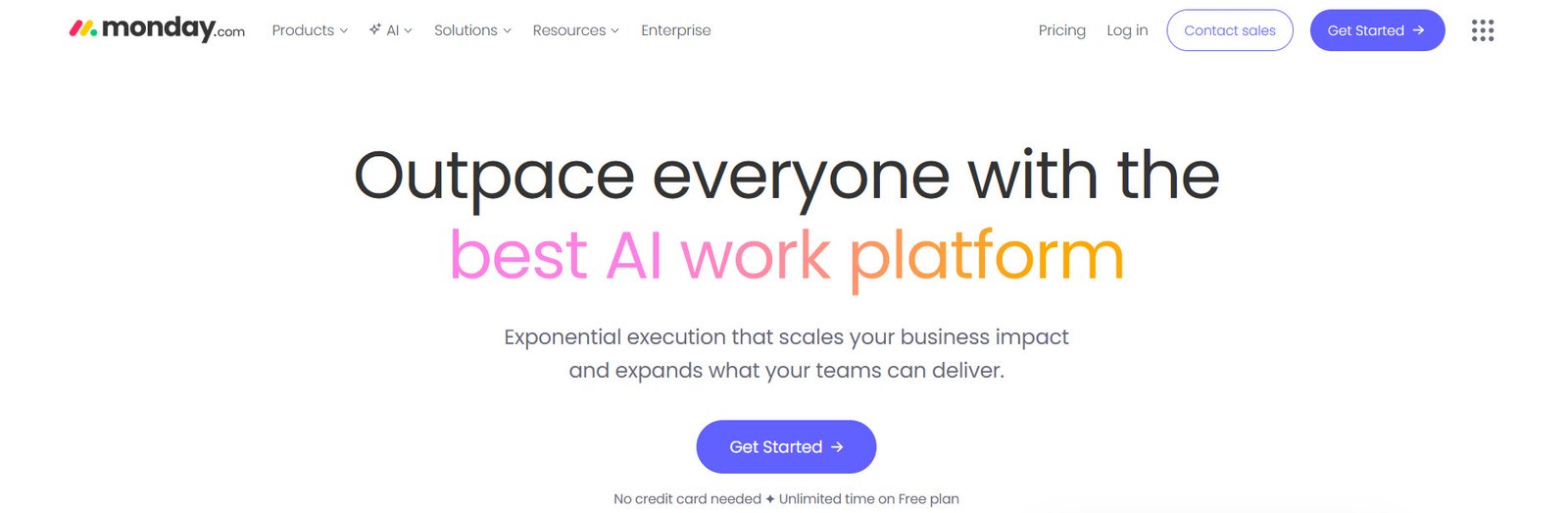
Monday.com is an AI-powered work management platform that brings planning, execution, and tracking into one place. It’s especially useful for teams that require strong collaboration and integrations, such as marketing and IT departments.
With visual dashboards, no-code automation, and customizable templates, Monday.com helps teams reduce manual work and stay focused on what matters most.
4. ClickUp
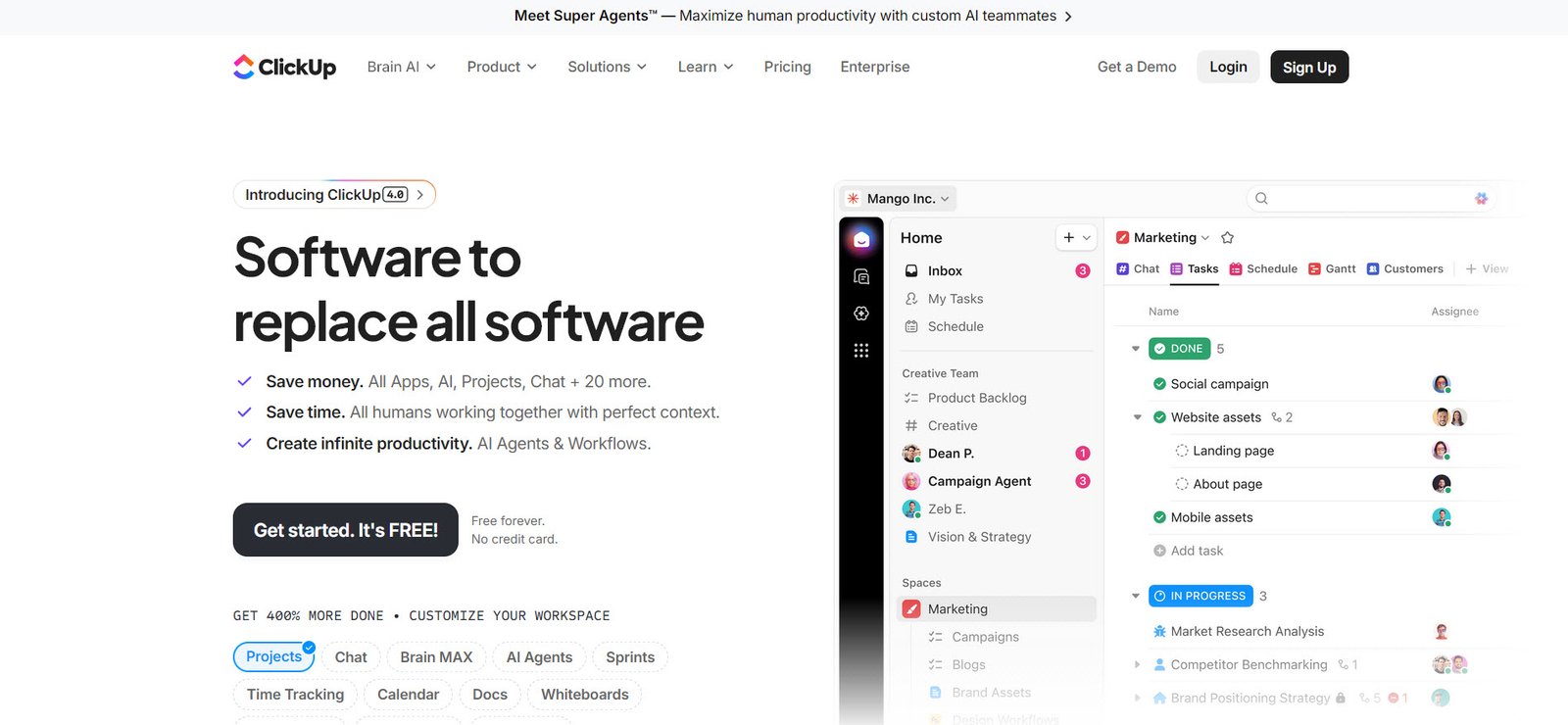
ClickUp is an all-in-one productivity platform that combines task management, collaboration, and workflow automation. It offers extensive customization options, making it suitable for teams with diverse needs.
With real-time updates, shared tasks, and clear visibility into project progress, ClickUp ensures that everyone stays aligned and productive.
5. Wrike
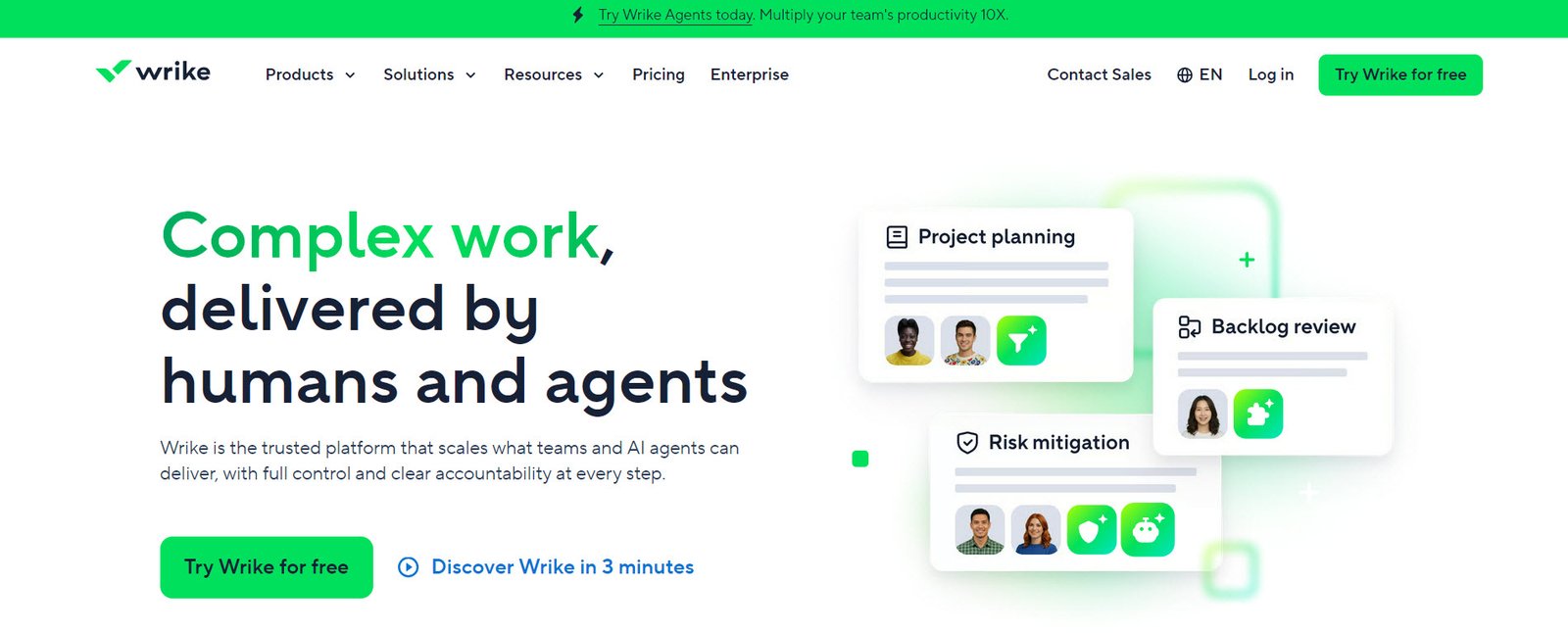
Wrike is a comprehensive work management platform designed for planning, collaboration, and analytics. It supports task management, resource allocation, time tracking, and workflow automation.
Its centralized workspace helps teams manage projects efficiently while improving communication and reporting across departments.
6. Smartsheet
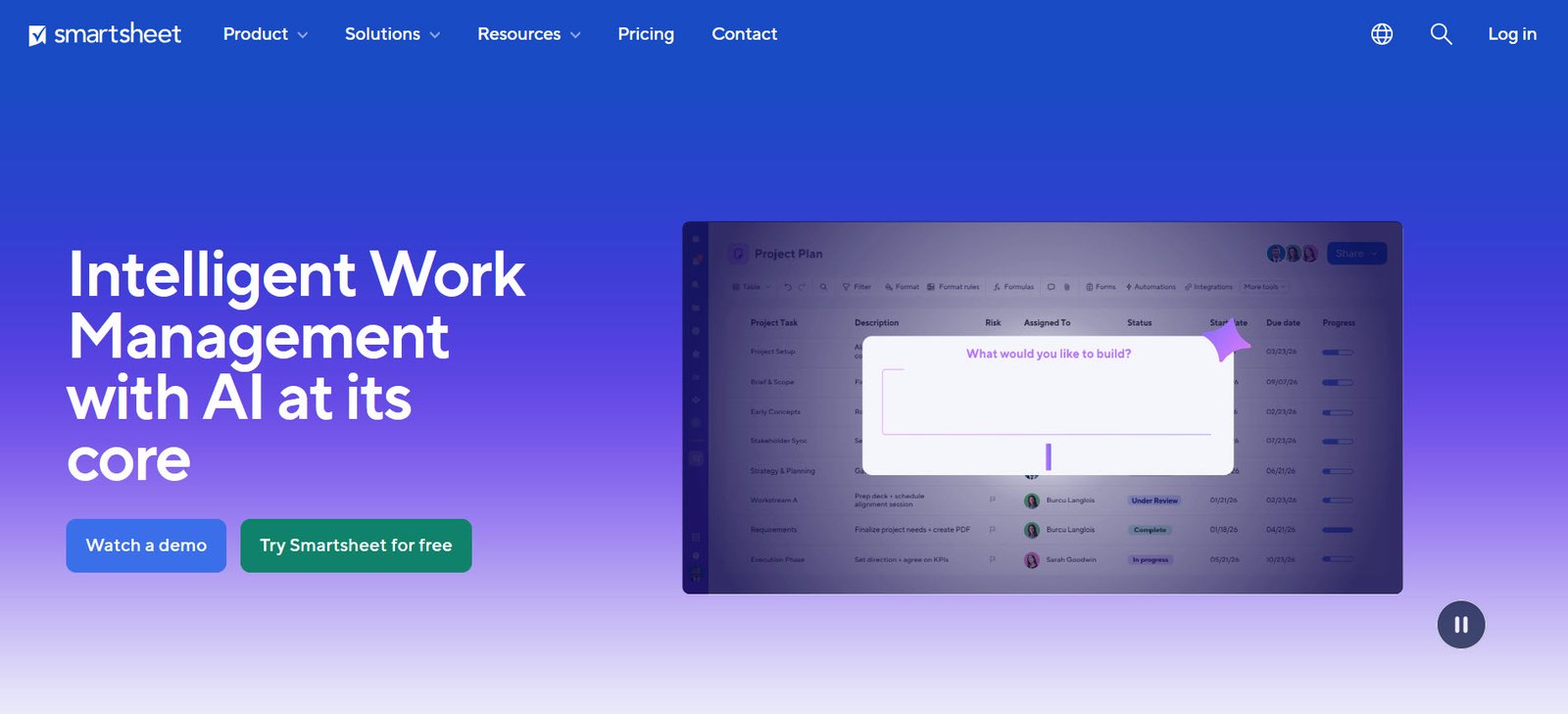
Smartsheet combines the familiarity of spreadsheets with advanced project management capabilities. It allows teams to plan, track, and manage work using a structured, grid-based interface.
Unlike traditional tools like Microsoft Excel or Google Sheets, Smartsheet provides deeper functionality for project tracking, collaboration, and automation though it may require some time to learn.
7. Notion
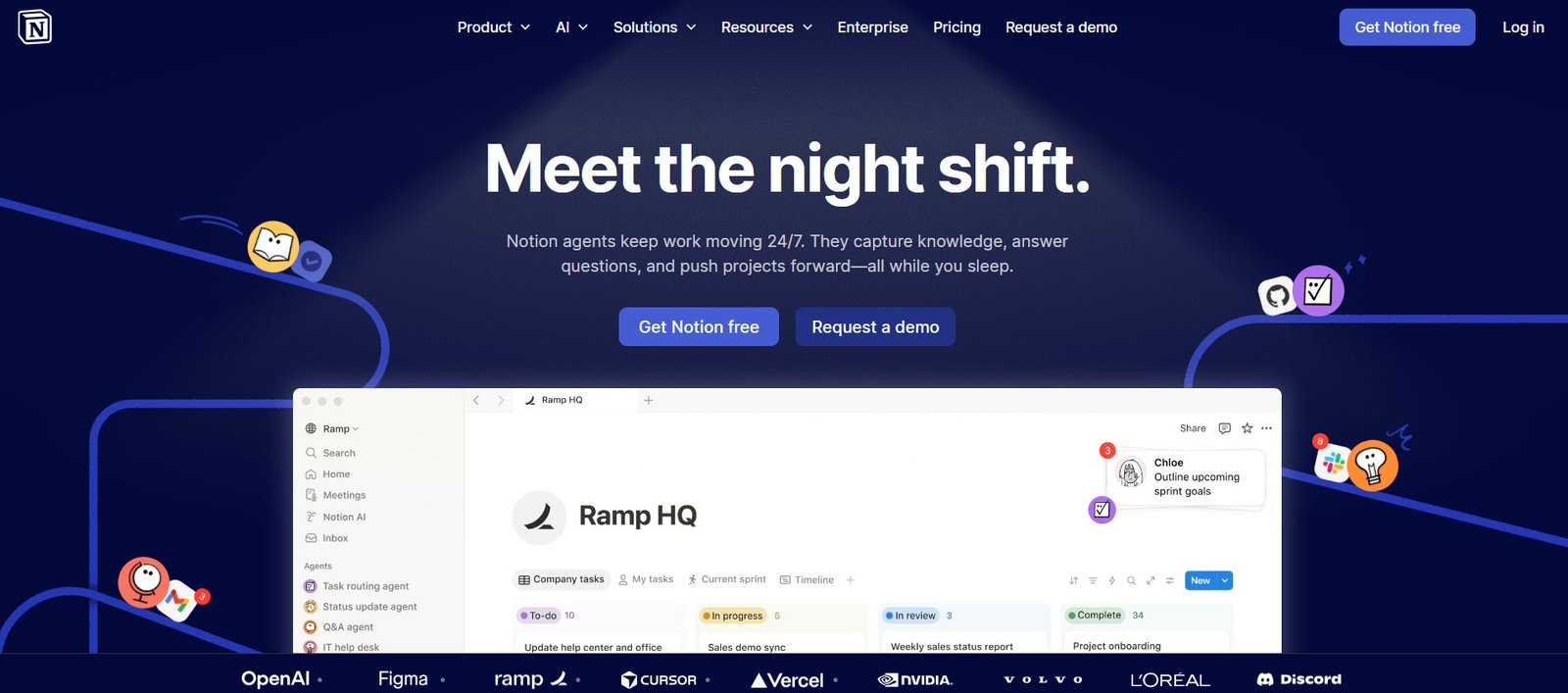
Notion is a flexible, all-in-one workspace that combines note-taking, databases, and project management. Its block-based structure allows users to create customized workflows and organize information efficiently.
Whether you need documentation, task tracking, or a knowledge base, Notion adapts easily to your workflow.
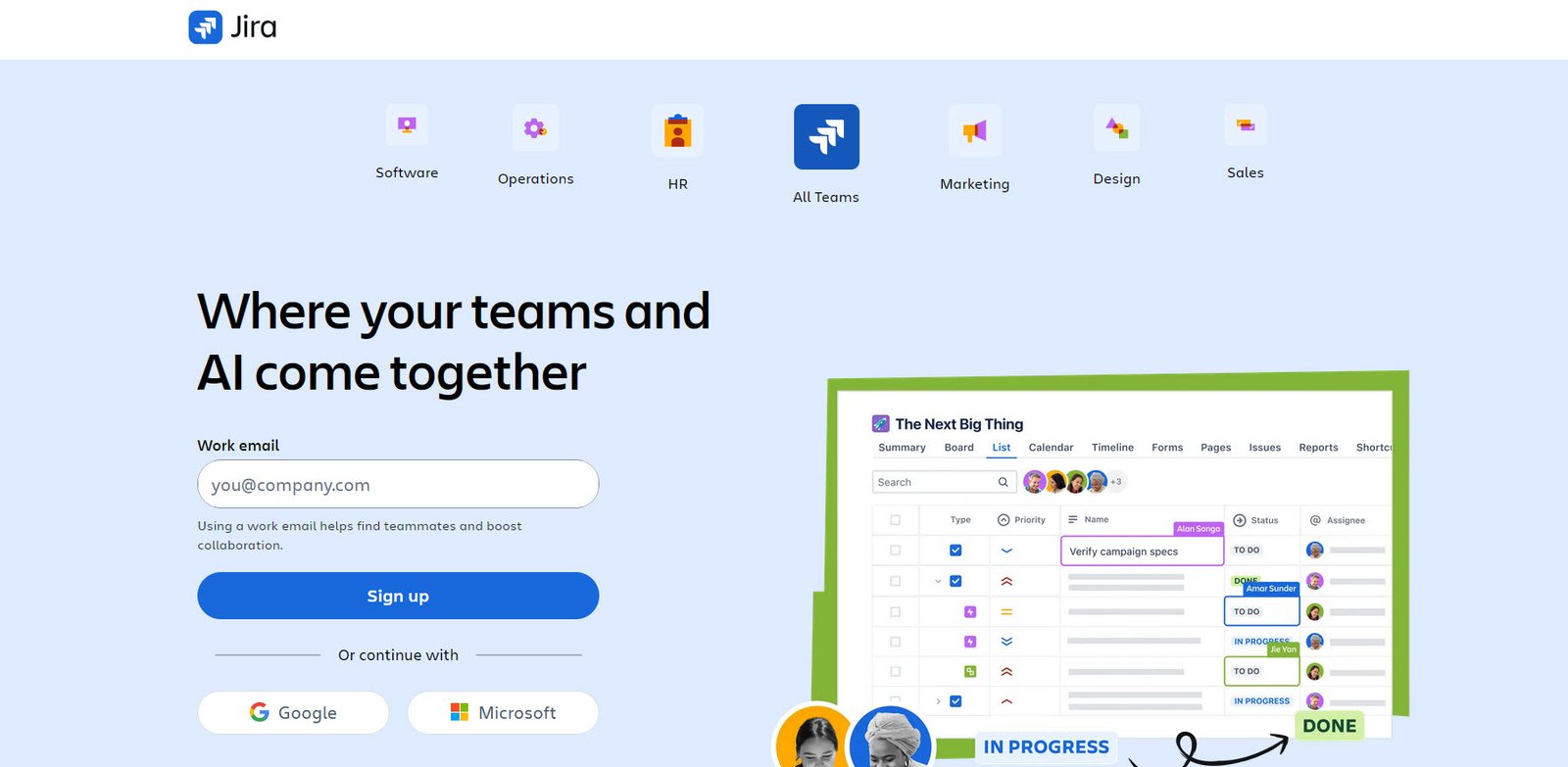
8. Jira
Jira is a leading project management tool, especially popular among software development teams. It supports agile methodologies like Scrum and Kanban, along with customizable workflows and detailed tracking.
Jira acts as a central hub for planning, tracking, and delivering projects, helping teams stay aligned and move faster.
9. Basecamp
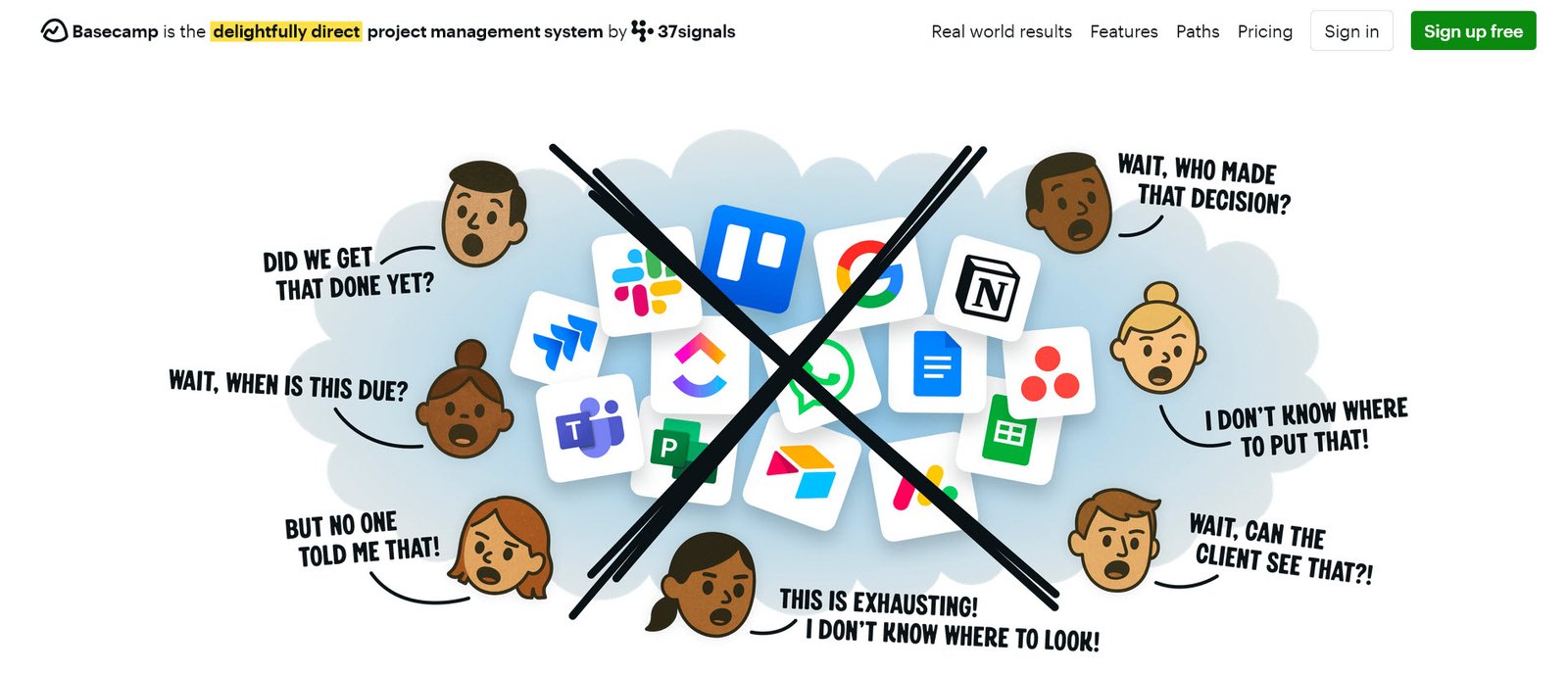
Basecamp is designed to simplify team collaboration and project organization. It brings together to-do lists, message boards, file sharing, scheduling, and chat into one platform.
It’s particularly useful for teams looking to reduce tool clutter and manage everything from a single interface.
10. Zoho Projects
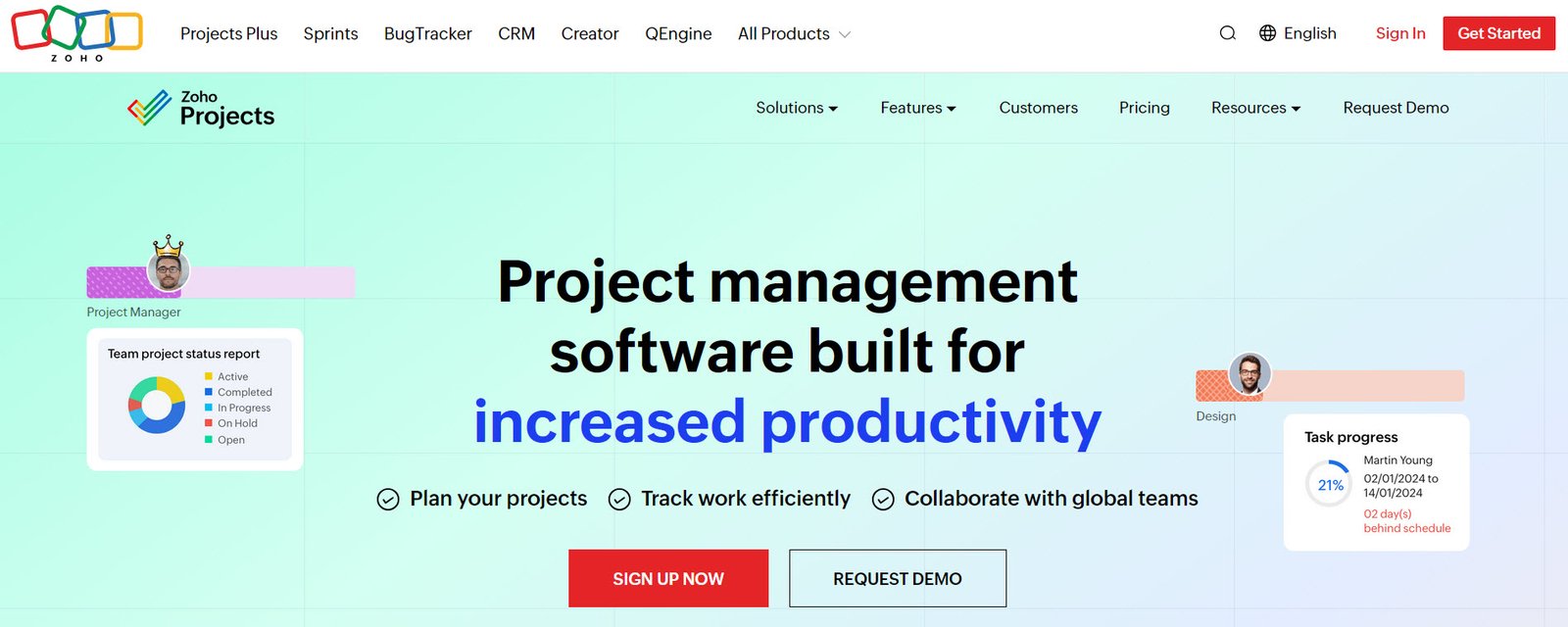
Zoho Projects is a user-friendly tool that helps teams plan, manage, and deliver projects effectively. It allows you to break down large projects into smaller tasks, assign responsibilities, and track progress in real time.
With features like time tracking, Gantt charts, document sharing, and automation, Zoho Projects is a well-rounded solution for businesses of all sizes.
Conclusion
Choosing the right project management software depends on your specific needs, team size, and workflow. The best tool is one that aligns with your business goals, enhances productivity, and is easy for your team to adopt. Take the time to evaluate your requirements and select a solution that truly supports your way of working.


Pingback: Top 6 AI Video Editing Tools Every Creator Uses – TopatTop.com
Pingback: Top 5 Cloud Storage Providers Compared in 2026 – TopatTop.com